
Online communities often organize meetings, workshops, networking sessions, and collaborative discussions. These activities generate useful information, but important details can easily get lost when participants return to their daily responsibilities.
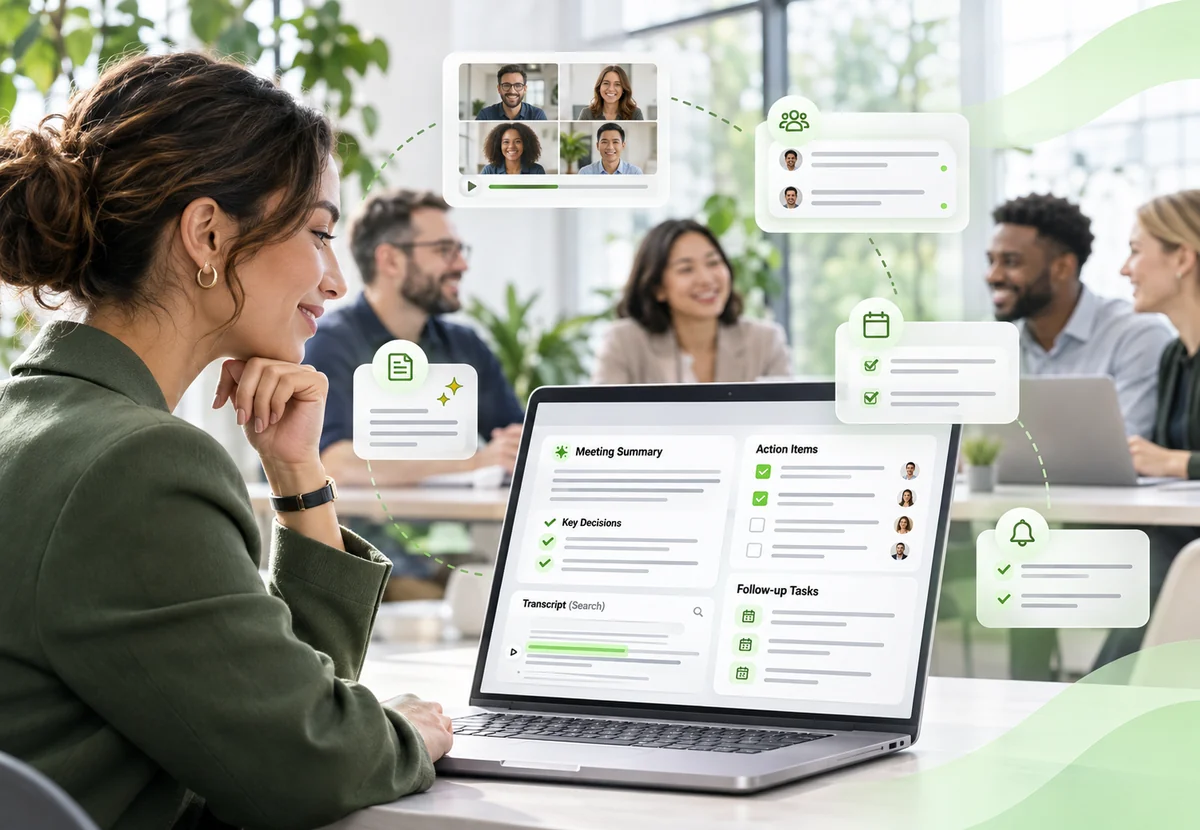
Automated meeting documentation can help solve this problem. A community app with automated meeting notes can make it easier to capture key discussion points, summarize decisions, and organize follow-up actions.
Instead of relying entirely on manual note-taking, community managers and participants can use structured summaries to keep conversations productive.
Why Meeting Follow-Up Matters

A successful meeting should lead to clear outcomes. Participants need to understand what was discussed, which decisions were made, and what actions are expected next.
Without proper follow-up, communities may experience:
Repeated discussions about previously covered topics.
Missed tasks and deadlines.
Unclear responsibilities.
Difficulty sharing information with absent members.
Loss of useful ideas and recommendations.
Effective automated meeting notes can help preserve important information and make it easier for members to continue discussions.
How Automated Meeting Notes Work
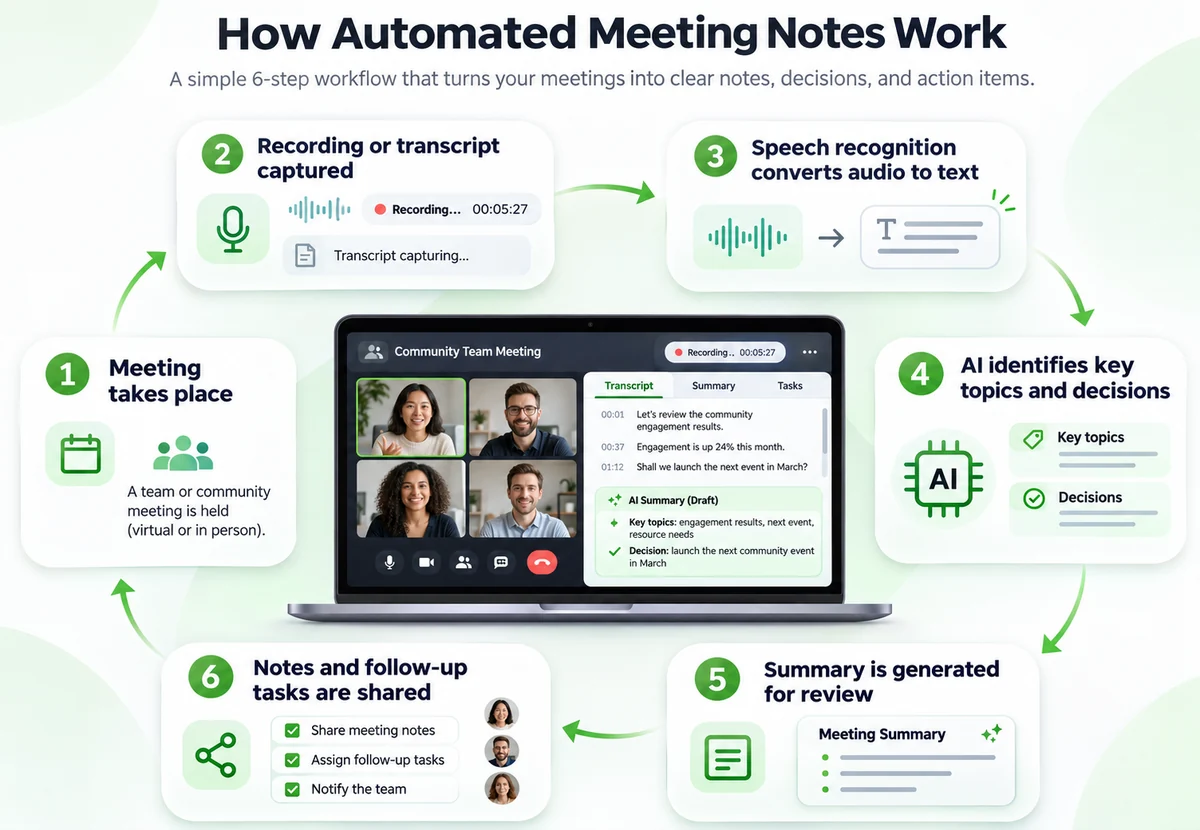
Depending on the platform and available integrations, an automated system may use speech recognition and AI-based processing to convert meeting recordings or transcripts into structured summaries.
A typical process may include:
A meeting takes place through a supported video or audio tool.
The system captures an authorized recording or transcript.
Speech recognition converts spoken content into text.
AI processes the transcript to identify key topics and decisions.
A summary is generated for review.
Participants receive the approved notes and follow-up tasks.
The exact capabilities depend on the software, meeting tool, language support, and user permissions.
Useful Features to Look For
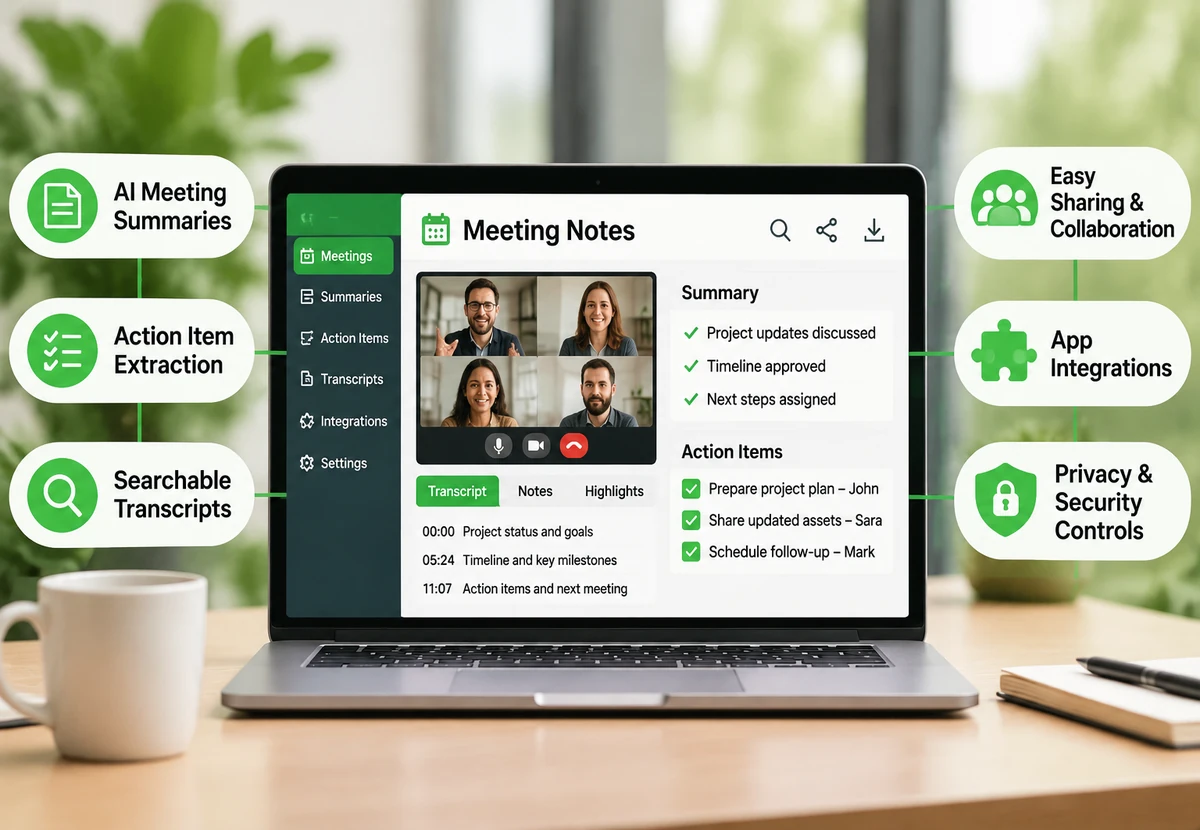
A reliable AI meeting assistant should do more than produce a long block of text. Look for features that make information easier to review and use.
1. Meeting Summaries
Short summaries help participants understand the main points without reviewing an entire transcript.
2. Action Item Extraction
The system may identify tasks, responsibilities, and deadlines mentioned during the discussion. Participants should verify these details before treating them as confirmed assignments.
3. Searchable Transcripts
Search functionality can help members find specific topics or decisions from earlier meetings.
4. Sharing and Collaboration
Meeting notes should be easy to distribute with relevant participants and authorized community members.
5. Integration Support
Connections with calendars, meeting tools, and collaboration software can reduce manual work.
6. Privacy Controls
Recording and transcription should follow clear consent, access, and data-retention policies.
Manual Notes vs. Automated Notes
Both approaches have advantages. The best choice depends on meeting size, complexity, and the sensitivity of the discussion.
| Area | Manual notes | Automated notes |
|---|---|---|
| Preparation | Requires a note-taker | May use an integrated tool |
| Speed | Depends on the person writing | Can generate summaries quickly |
| Detail | May miss spoken information | Can capture more transcript detail |
| Accuracy | Depends on the note-taker | Requires review for transcription errors |
| Follow-up | Often organized manually | May identify action items automatically |
Automation can reduce administrative effort, but it should not replace human review.
How Communities Can Use Meeting Summaries
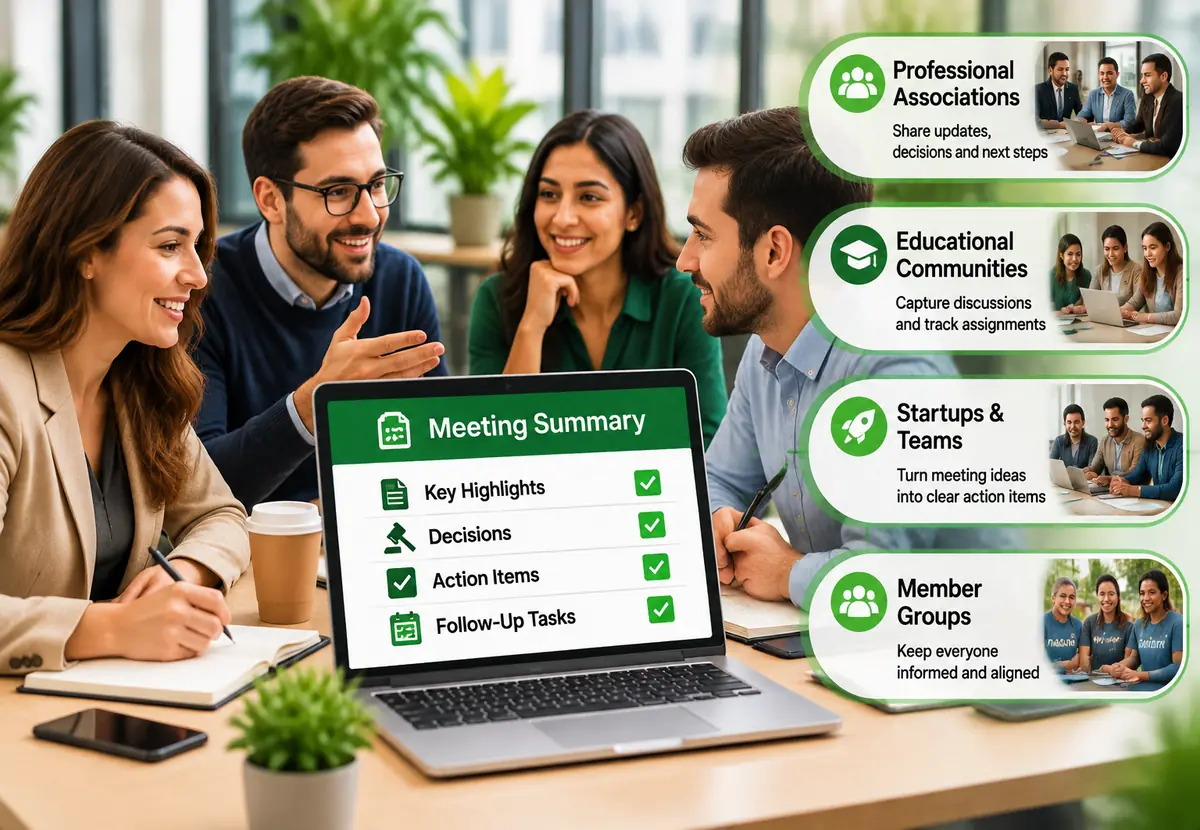
A community app with meeting notes can support different types of community activities.
Examples include:
Professional groups: Record decisions from industry discussions and working groups.
Startup communities: Document brainstorming sessions and founder meetings.
Educational communities: Summarize study groups, workshops, and learning sessions.
Associations: Keep authorized members informed about committee discussions.
Mentorship groups: Record agreed goals and next steps with appropriate consent.
A community app with messaging can also help participants discuss meeting outcomes and clarify action items after a session.
Best Practices for Responsible Automation
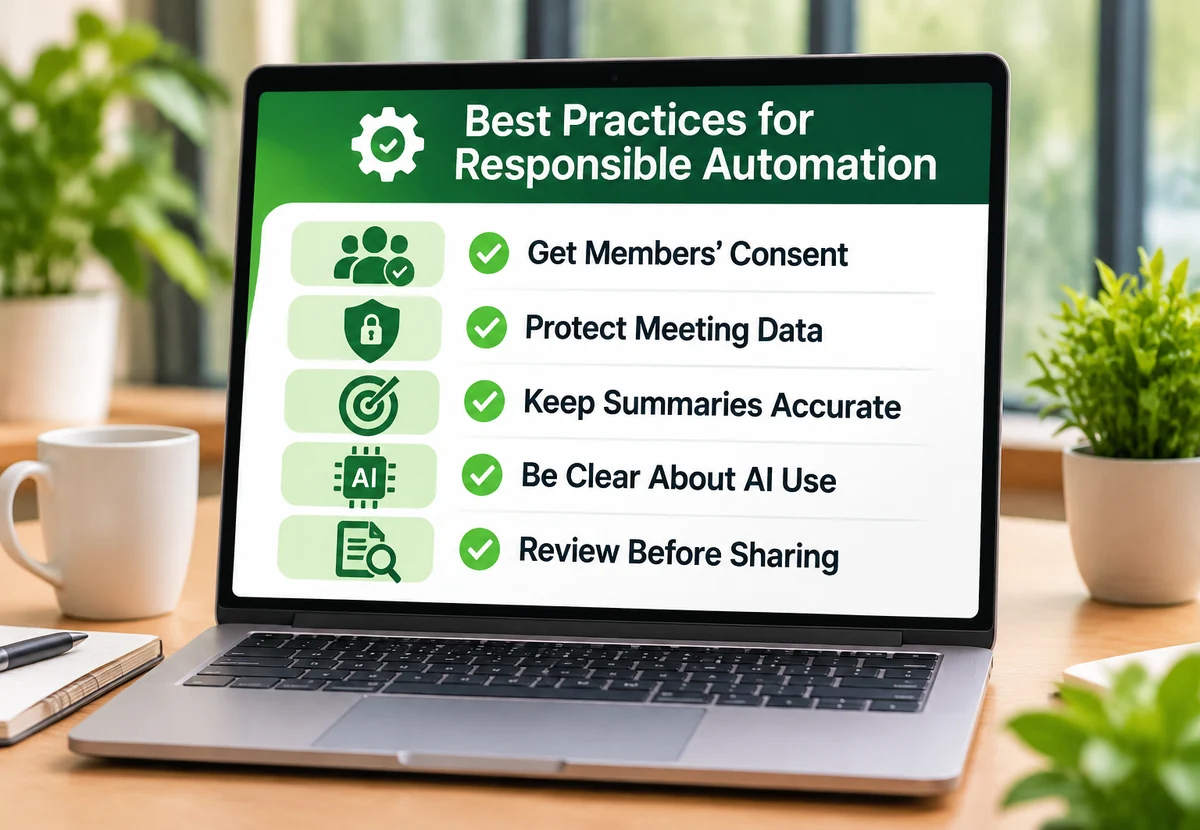
Meeting documentation may include personal information, confidential business details, or sensitive discussions. Communities should establish clear policies before enabling automated recording or transcription.
Follow these practices:
Inform participants before recording or transcribing.
Obtain consent where required.
Explain how transcripts and summaries will be used.
Restrict access to authorized people.
Review summaries for incorrect names, figures, or decisions.
Establish suitable data-retention policies.
Avoid treating AI-generated summaries as official records without approval.
These steps help maintain trust while using technology to improve productivity.
The Role of Connected Community Platforms
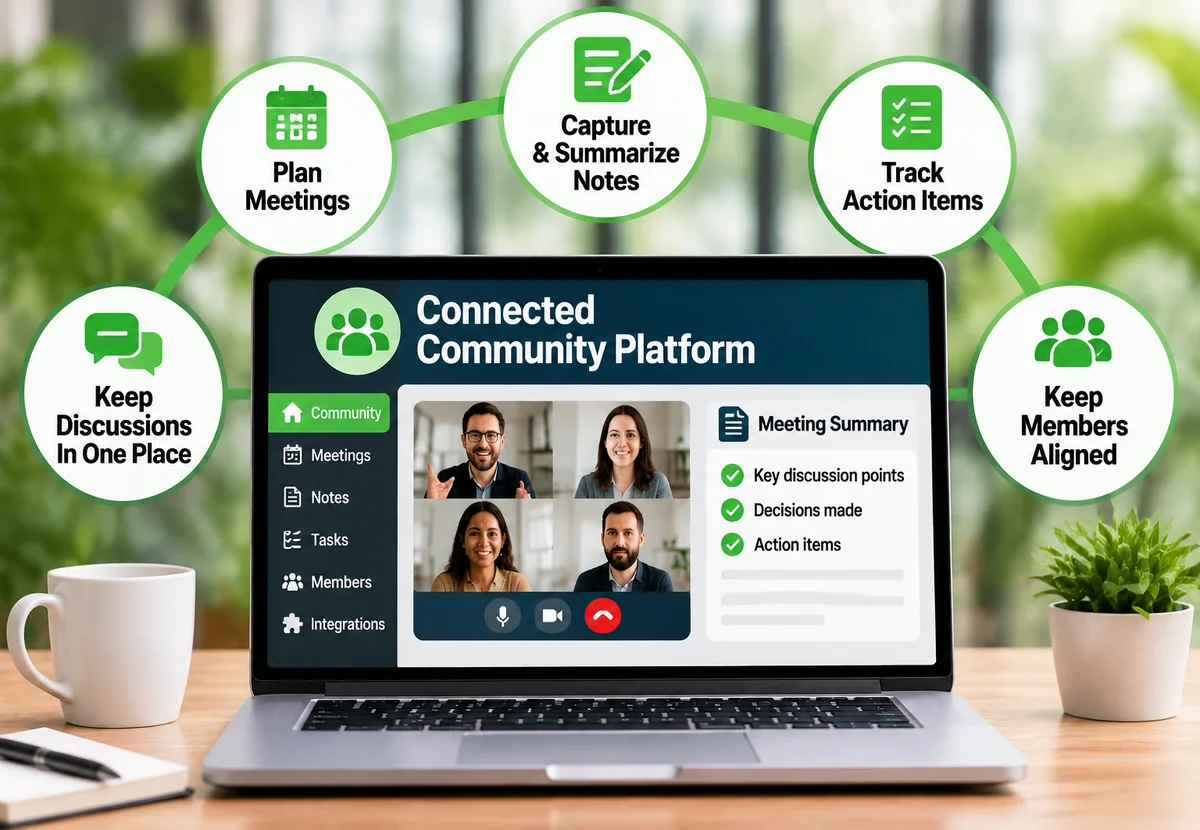
Meeting notes become more useful when they are connected to the wider community experience. Members should be able to find relevant discussions, access approved resources, and continue conversations after meetings.
Netwoor focuses on connected networking experiences, where communication and follow-up can help people build more meaningful professional relationships.
Conclusion
Automated meeting notes can make community discussions easier to document, share, and act upon. They help reduce manual administration while preserving useful information from meetings. However, accuracy, consent, and privacy remain essential. Choose tools that support clear summaries, searchable records, and responsible access management.
FAQs
1. What are automated meeting notes?
They are summaries or transcripts generated from meeting audio or text using automated tools.
2. Can AI identify action items?
Some tools can identify potential tasks and responsibilities, but participants should verify them.
3. Are automated meeting notes always accurate?
No. Transcription errors and missing context can occur, so human review is important.
4. Do participants need to know when a meeting is recorded?
Yes. Participants should be informed, and consent should be obtained where required.
Get the next article in your inbox
Stay updated with practical insights, product updates, and networking tips — delivered straight to your inbox.