
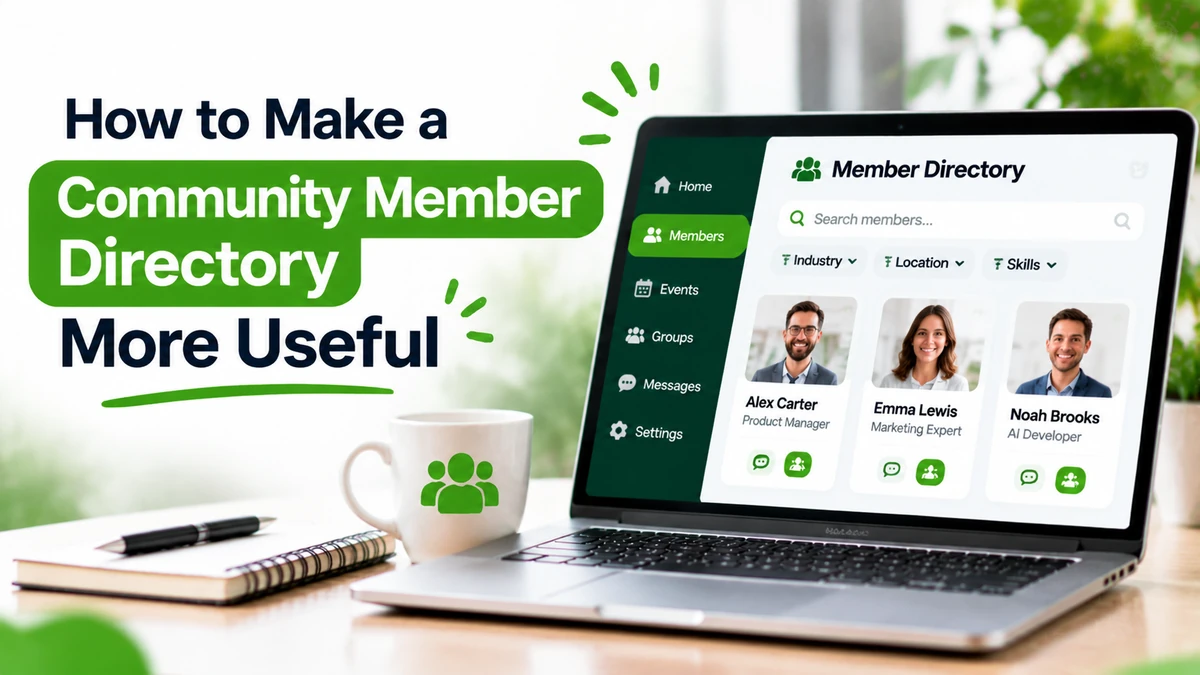
An online community becomes valuable when members can easily find, connect with, and learn from one another. However, as membership grows, discovering the right people becomes increasingly difficult. Members may have different professional backgrounds, interests, locations, and expertise, making it challenging to identify relevant connections.
A well-organized community member directory solves this problem by bringing member information into one searchable space. Instead of simply displaying names and profile pictures, a useful directory helps members discover people based on their skills, industries, interests, and professional goals.
For community managers, it also creates opportunities to improve engagement, encourage collaboration, and build stronger relationships across the network.
What Is a Community Member Directory?
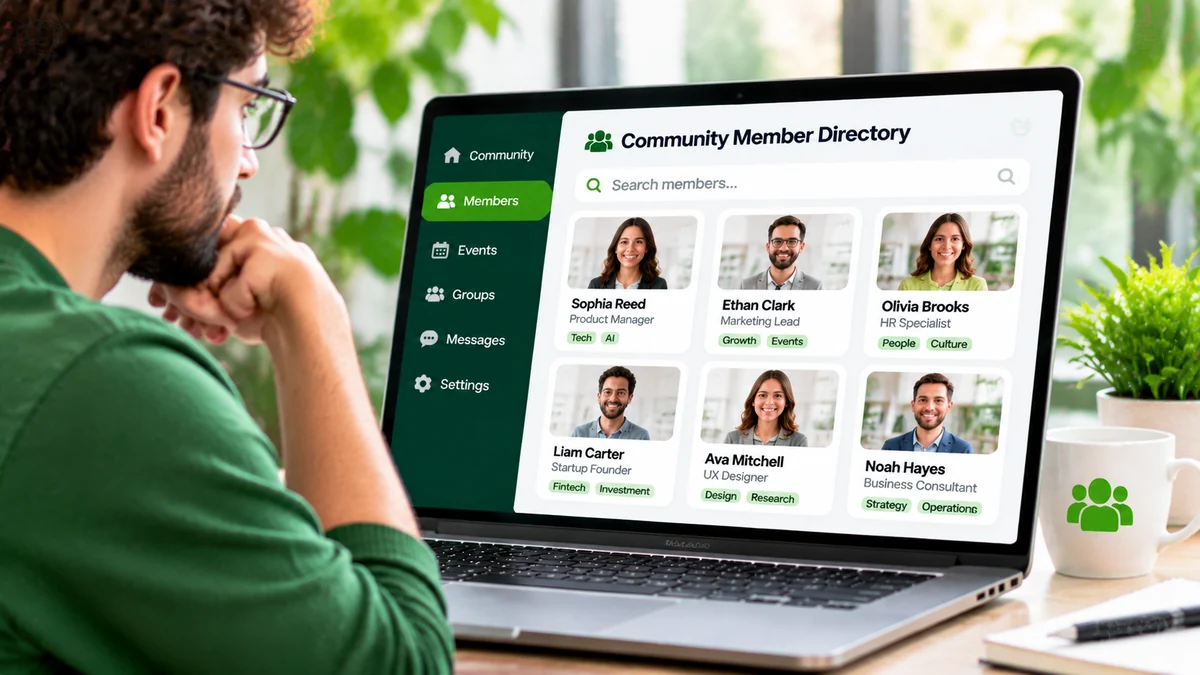
A community member directory is a centralized collection of member profiles within an online community or networking platform.
It allows participants to explore information about other members and identify people they may want to contact. A basic directory might include names, profile pictures, and contact information. However, a more advanced online member directory can include:
Professional titles and company details.
Industry and areas of expertise.
Skills, interests, and experience.
Location and preferred networking opportunities.
Social media or professional profile links.
Membership categories and community roles.
The more relevant information members provide, the easier it becomes to find meaningful connections.
7 Ways to Make a Community Member Directory More Useful
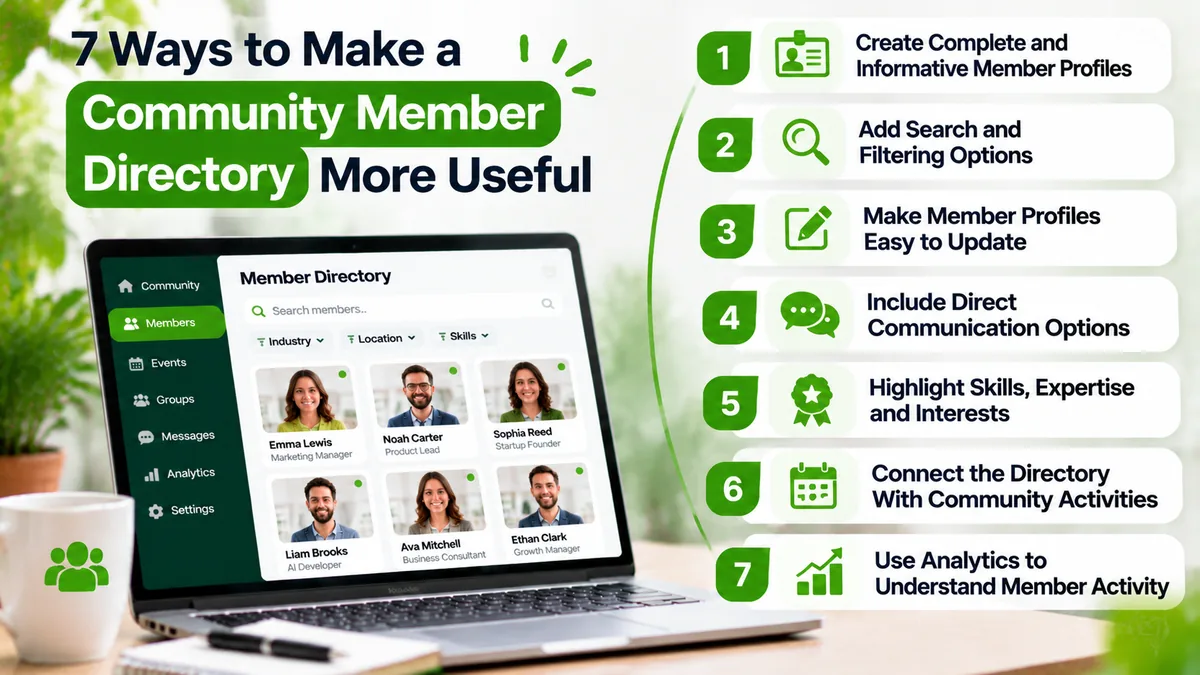
A directory should do more than store member information. It should actively support communication and networking.
1. Create Complete and Informative Member Profiles
Incomplete profiles make it difficult for members to understand who they are connecting with.
Encourage members to provide essential details, including their professional background, skills, interests, and current goals.
For example, instead of displaying only a name and job title, a profile could explain that a member is a startup founder specializing in fintech product development and looking for strategic partnerships.
2. Add Search and Filtering Options
A directory becomes significantly more useful when members can find people based on specific criteria.
Useful search filters include:
Industry or professional sector.
Job title and expertise.
Geographic location.
Company or organization.
Skills and interests.
Membership type.
For example, someone attending a technology conference may want to find AI developers, investors, or product managers before the event.
3. Make Member Profiles Easy to Update
Professional information changes over time. Members may switch companies, develop new skills, change locations, or take on different responsibilities.
Allow members to edit their profiles without requiring administrators to make every change manually. You can also send periodic reminders encouraging members to review their information.
Keeping profiles updated improves directory accuracy and makes community networking more productive.
4. Include Direct Communication Options
Finding someone interesting is only the first step. Members also need convenient ways to start conversations. A useful directory should support communication through features such as:
Direct messaging.
Connection requests.
Email links, where members consent.
Meeting requests.
Profile sharing.
These features help members move from discovering people to building actual relationships.
Privacy settings should allow members to control which details are visible and how others can contact them.
5. Highlight Skills, Expertise, and Interests
A directory becomes more valuable when it helps members discover what others can offer.
For example, a business community might include members with expertise in:
Digital marketing.
Financial consulting.
Software development.
Legal services.
Business development.
Investment management.
This makes it easier for members to identify potential collaborators, mentors, service providers, or business partners.
Adding searchable skills and interests can also strengthen member engagement by encouraging people to participate beyond general discussions.
6. Connect the Directory With Community Activities
A member directory should not operate separately from the rest of the community.
Connect member profiles with relevant activities, including events, discussion groups, workshops, and networking sessions.
For example, when members register for an industry event, they could explore other registered participants through their profiles.
This creates more opportunities for relevant introductions before, during, and after events.
7. Use Analytics to Understand Member Activity
Community administrators can use directory-related analytics to understand how members interact with the platform.
Useful indicators include:
Number of completed profiles.
Most frequently searched skills.
Profile views and connection requests.
Member participation rates.
Most active professional categories.
These insights help administrators identify engagement gaps and improve directory features according to actual member needs.
Essential Features of a Useful Member Directory
| Feature | Why It Matters |
|---|---|
| Search and filters | Help members find relevant people |
| Detailed profiles | Provide useful professional context |
| Direct messaging | Make communication easier |
| Privacy controls | Protect personal information |
| Profile editing | Keep information updated |
| Connection requests | Encourage networking |
| Analytics | Help improve member engagement |
Common Mistakes to Avoid
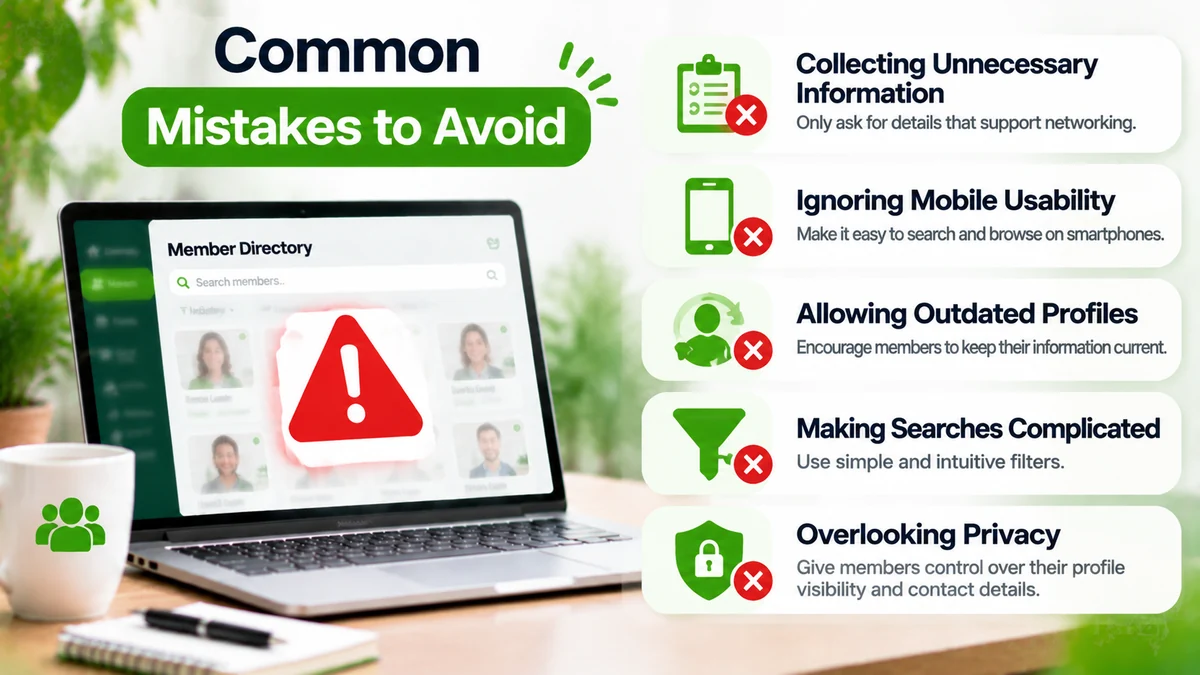
Even well-designed directories can become ineffective when community managers overlook basic usability requirements.
Avoid these common mistakes:
Collecting unnecessary information: Request details that support networking rather than overwhelming members with lengthy forms.
Ignoring mobile usability: Ensure members can search and explore profiles on smartphones.
Allowing outdated profiles: Encourage regular profile updates.
Making searches complicated: Keep filters simple and intuitive.
Overlooking privacy: Give members control over their profile visibility and contact information.
A directory should make networking easier, not create additional work for members.
How Modern Community Management Tools Improve Member Directories
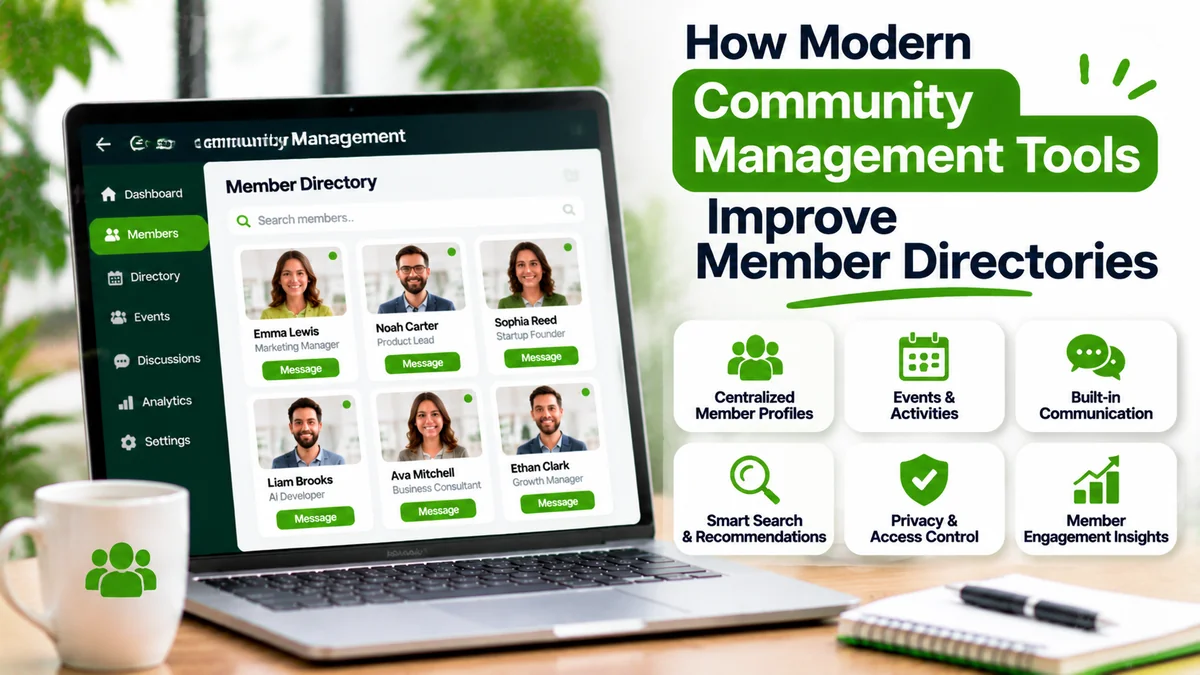
Modern community management tools bring member profiles, communication features, events, and discussion spaces together.
Instead of maintaining separate spreadsheets or disconnected contact lists, administrators can manage member information within a centralized system. A well-integrated professional networking platform can also help members discover relevant connections through search filters, profile recommendations, and shared interests.
These features are particularly useful for professional associations, alumni networks, business communities, and event-based organizations.
Conclusion
A community member directory can become one of the most valuable resources within an online network when it supports real interactions rather than simply storing contact information.
Complete profiles, advanced search options, direct messaging, privacy controls, and regular updates make it easier for members to discover relevant people and build meaningful professional relationships.
The most effective directories are designed around member needs. By connecting directory features with discussions, events, and networking opportunities, community managers can turn a basic listing into an active relationship-building resource.
Frequently Asked Questions
1. What is the purpose of a community member directory?
It helps members discover other participants, explore their professional backgrounds, and build connections within an online community.
2. What information should a member directory include?
It can include names, professional titles, company details, skills, interests, locations, profile pictures, and preferred communication options.
3. How can a member directory improve networking?
Search filters and detailed profiles help members identify people with relevant expertise, shared interests, and potential collaboration opportunities.
4. How often should member profiles be updated?
Members should update their profiles whenever their professional information changes. Community managers can also send periodic reminders.
5. Should community member directories be public?
Not necessarily. Many communities benefit from member-only directories with customizable privacy settings that allow individuals to control their information.
Get the next article in your inbox
Stay updated with practical insights, product updates, and networking tips — delivered straight to your inbox.