

A successful online community depends on understanding what its members need and encouraging them to participate. However, community managers cannot always identify members' interests through ordinary discussions. Some people actively share opinions, while others prefer to observe conversations without contributing.
Polls and surveys provide simple ways to collect feedback from different types of members. A community app with polls and surveys can make it easier to ask questions, identify preferences, and involve members in community decisions.
Why Polls and Surveys Matter?
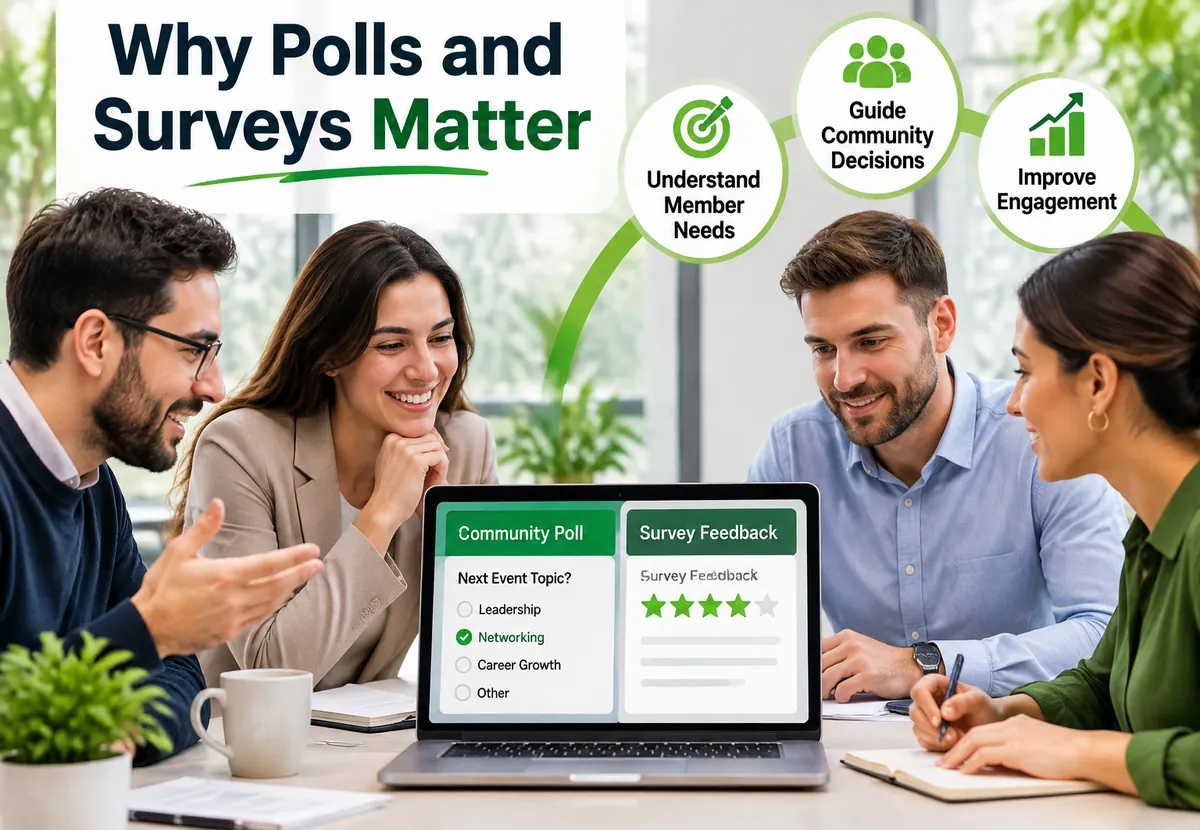
Community managers need regular feedback to understand whether their activities are useful. Without it, they may continue publishing content or organizing events that do not match member interests.
Polls and surveys can help:
Discover topics members want to discuss.
Collect opinions before making decisions.
Understand satisfaction with community activities.
Identify challenges experienced by members.
Encourage participation through simple questions.
Evaluate changes after introducing new features.
These activities can strengthen community engagement by giving members a direct way to express their views.
Polls vs. Surveys: What's the Difference?
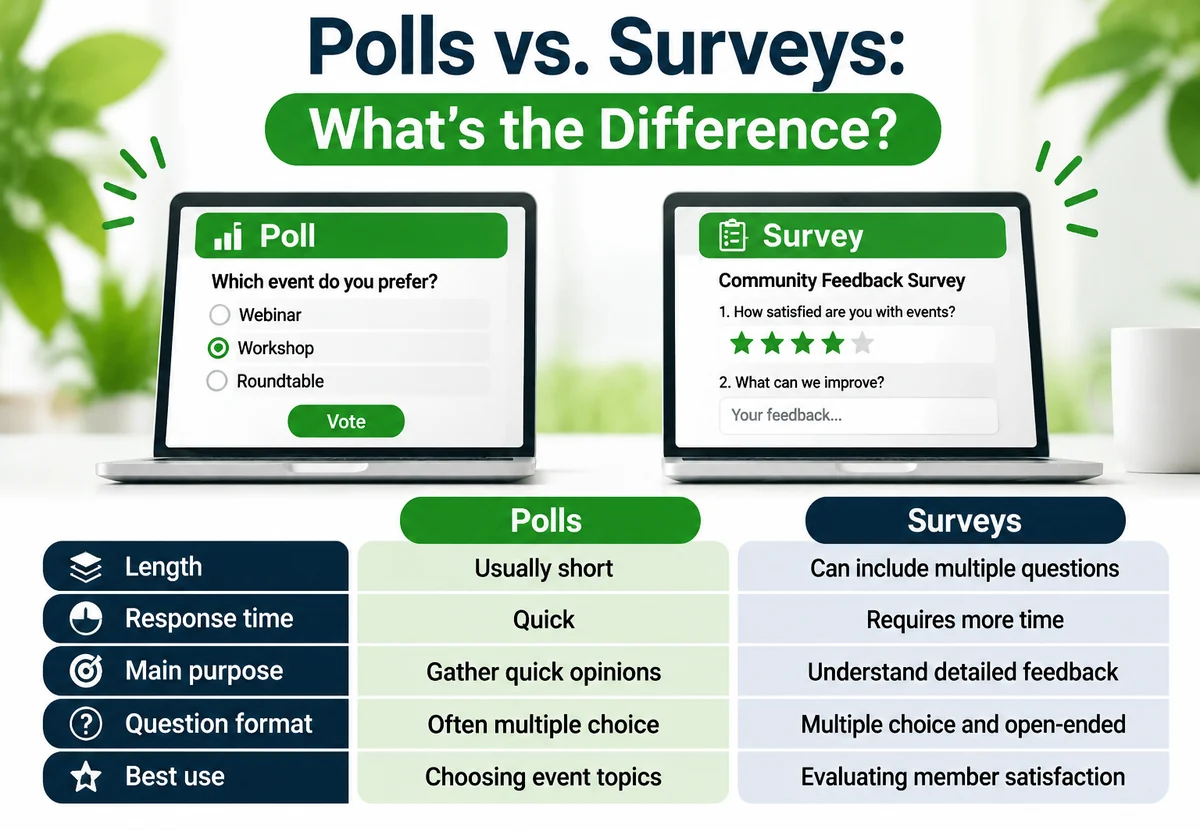
Although both tools collect opinions, they serve different purposes.
A poll usually asks one short question with a limited number of answer choices. A survey can contain several questions and collect more detailed feedback.
| Area | Polls | Surveys |
|---|---|---|
| Length | Usually short | Can include multiple questions |
| Response time | Quick | Requires more time |
| Main purpose | Gather quick opinions | Understand detailed feedback |
| Question format | Often multiple choice | Multiple choice and open-ended |
| Best use | Choosing event topics | Evaluating member satisfaction |
A community app with polls is useful for quick decisions, while surveys are better for understanding broader member experiences.
7 Ways to Use Polls and Surveys
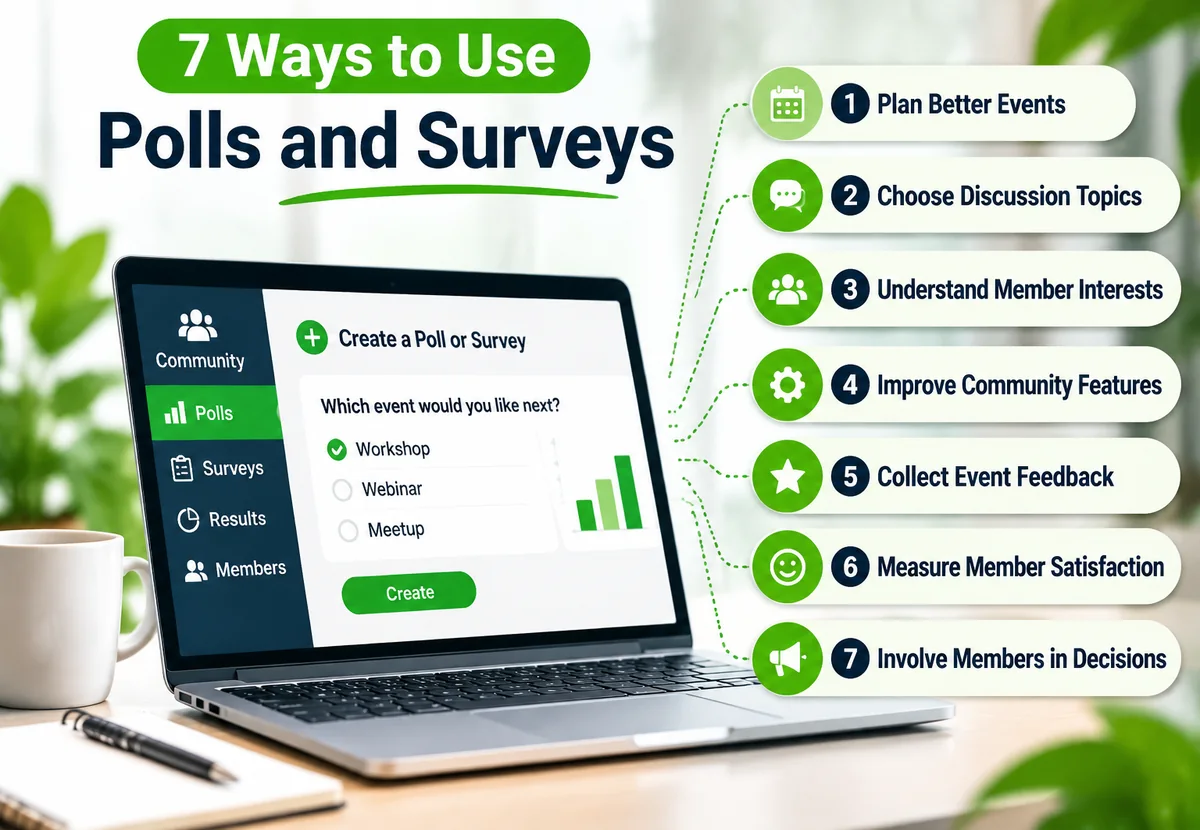
The questions you ask should connect directly to your community's purpose.
1. Choose Future Discussion Topics
Ask members which subjects they want to explore. This helps community managers plan relevant content.
2. Select Event Formats
Find out whether members prefer webinars, workshops, roundtables, or informal networking sessions.
3. Understand Member Challenges
Ask about common professional, educational, or personal challenges related to the community's focus.
4. Collect Feedback After Events
A short survey can reveal whether an event met expectations and what could be improved.
5. Evaluate New Features
Before investing in a major update, ask members which tools or services they would find useful.
6. Encourage Community Introductions
Use simple polls to learn about members' interests, experience levels, or preferred discussion areas.
7. Measure Satisfaction
Regular feedback can help identify whether members feel welcomed, informed, and involved.
Writing Better Community Questions
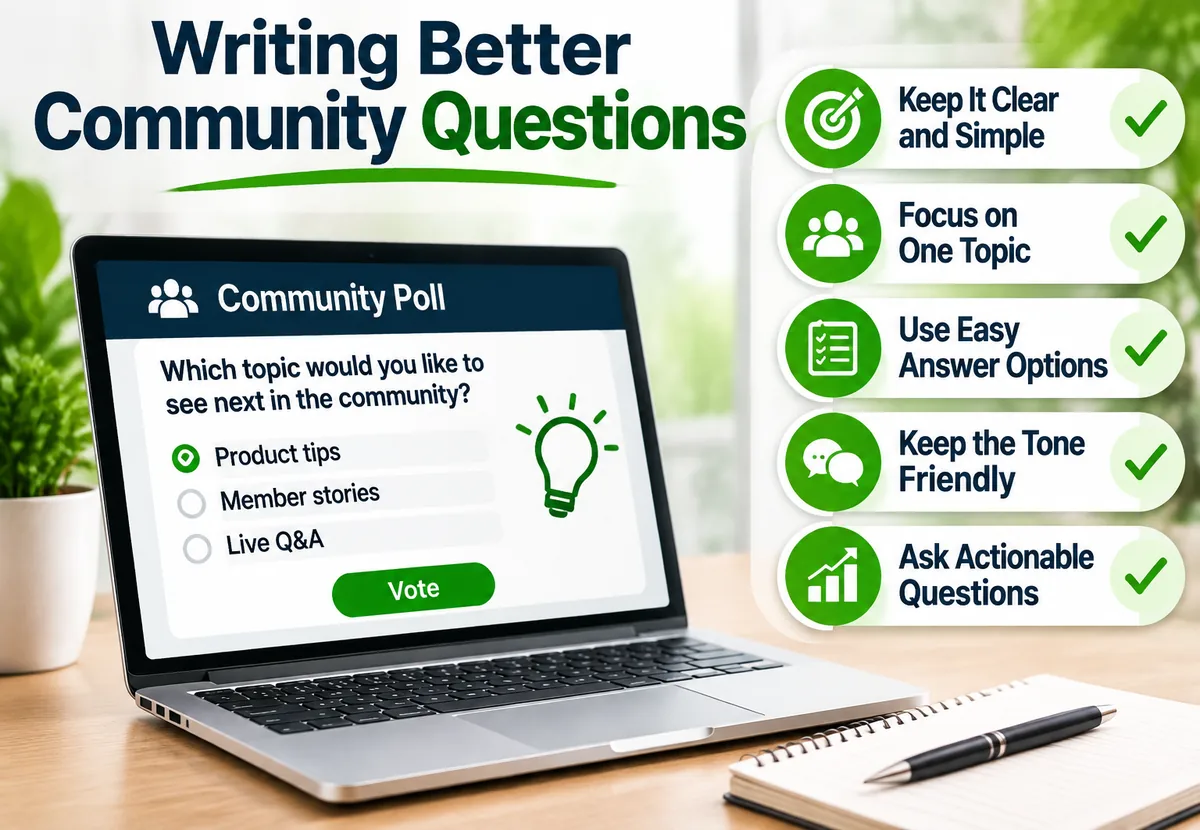
The quality of responses depends on the quality of questions. Complicated or leading questions can produce unreliable feedback.
Use these guidelines:
Keep questions short and easy to understand.
Ask one thing at a time.
Avoid language that suggests a preferred answer.
Include relevant answer choices.
Offer an optional space for additional comments.
Explain how feedback will be used.
For example, instead of asking, "Don't you think our webinars are useful?", ask, "How useful are our webinars for your learning goals?"
A community app with surveys should also make it easy to review responses and identify common patterns.
Turning Feedback Into Action
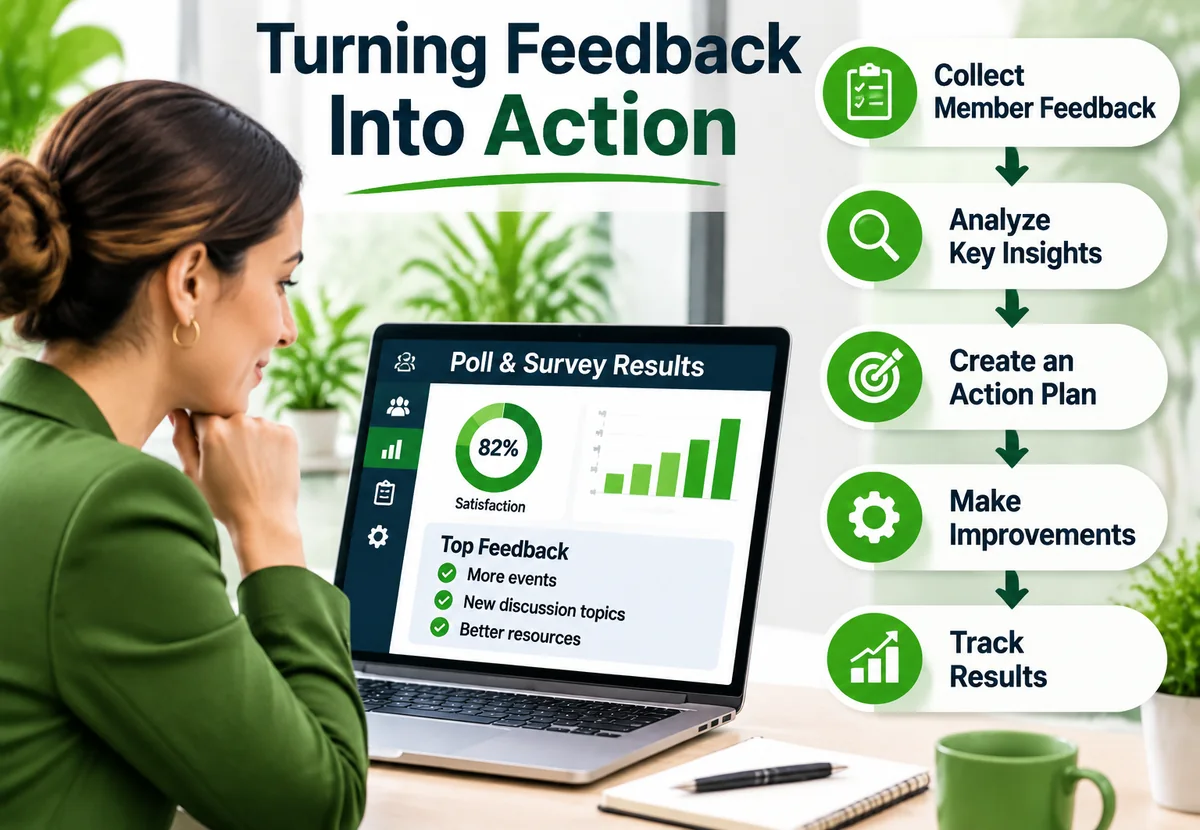
Collecting responses is not enough. Members may lose interest if they repeatedly share opinions without seeing any changes.
A practical feedback process includes:
Identify the question or problem you want to understand.
Choose whether a poll or survey is more suitable.
Share it with the relevant members.
Review responses and identify common themes.
Communicate the findings where appropriate.
Explain what changes will be made, if any.
Ask for feedback again after implementation.
This process supports stronger online community engagement strategies because members can see that their contributions have a purpose.
Choosing the Right Community Tools
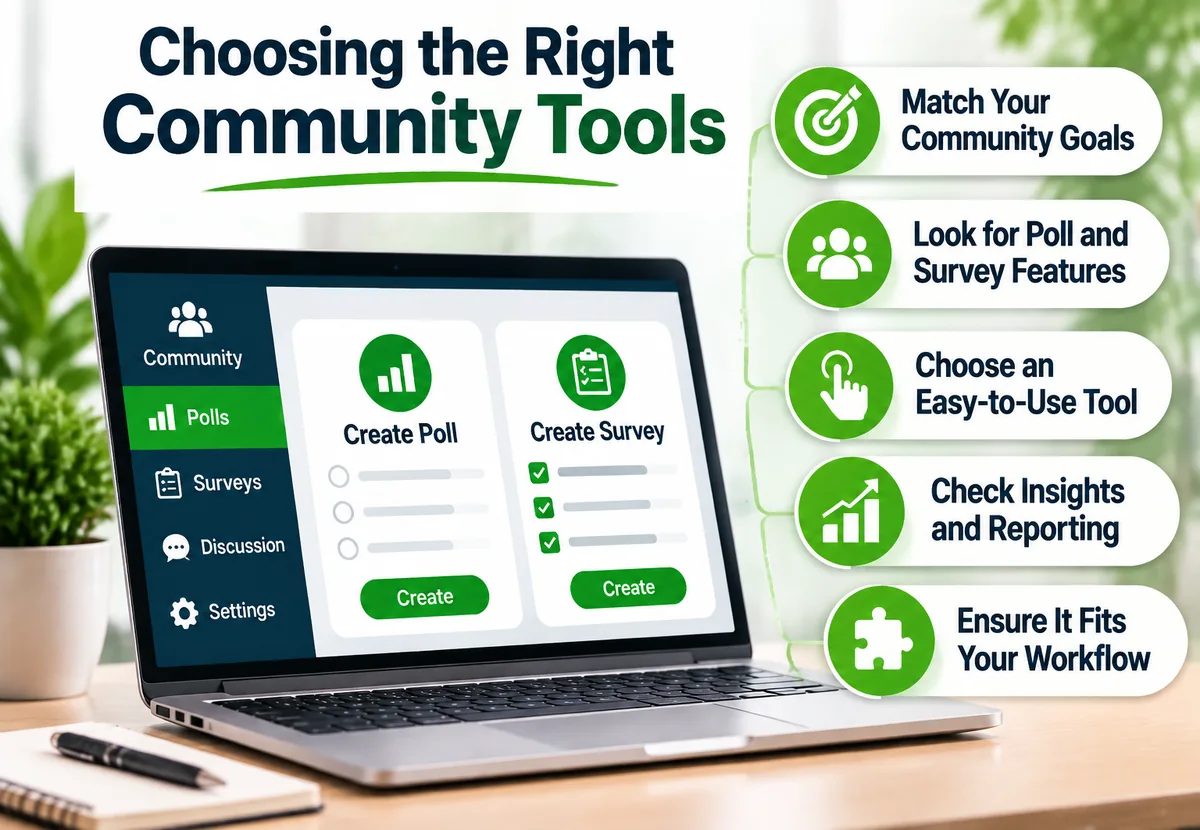
A community engagement platform should make feedback collection simple for both administrators and members.
Consider these features:
Customizable poll and survey questions.
Anonymous response options where appropriate.
Mobile-friendly participation.
Response summaries and reporting.
Access controls for private surveys.
Notifications and reminders.
Easy sharing of results.
Netwoor focuses on connected professional experiences, where understanding member interests can help create more relevant interactions and networking opportunities.
Conclusion
Polls and surveys help community managers understand member preferences, improve activities, and encourage participation. Polls work well for quick decisions, while surveys provide more detailed feedback. The most important step is acting on the information collected and showing members how their opinions contribute to community improvements.
FAQs
1. What is the purpose of polls in online communities?
Polls help collect quick opinions and encourage members to participate in simple discussions.
2. When should a community use surveys?
Surveys are useful when collecting detailed feedback about satisfaction, events, or member needs.
3. How often should community managers run surveys?
Use them when there is a clear purpose, rather than sending frequent surveys without a reason.
4. How can poll results improve engagement?
Results help community managers plan relevant activities and make decisions based on member preferences.
Get the next article in your inbox
Stay updated with practical insights, product updates, and networking tips — delivered straight to your inbox.