
Choosing the right communication tool can significantly affect how people interact, collaborate, and build relationships online. While messaging applications make everyday communication easier, growing communities often need more structured ways to manage members, discussions, events, and networking opportunities.
This is why the comparison of community platforms vs Slack matters for organizations, professional networks, startups, and membership-based businesses.
Slack is widely used for workplace communication and team collaboration. Dedicated community platforms, on the other hand, are designed to support broader member interactions, networking, and long-term engagement. Although both offer communication features, they serve different purposes.
What Is Slack?
Communication and workplace collaboration
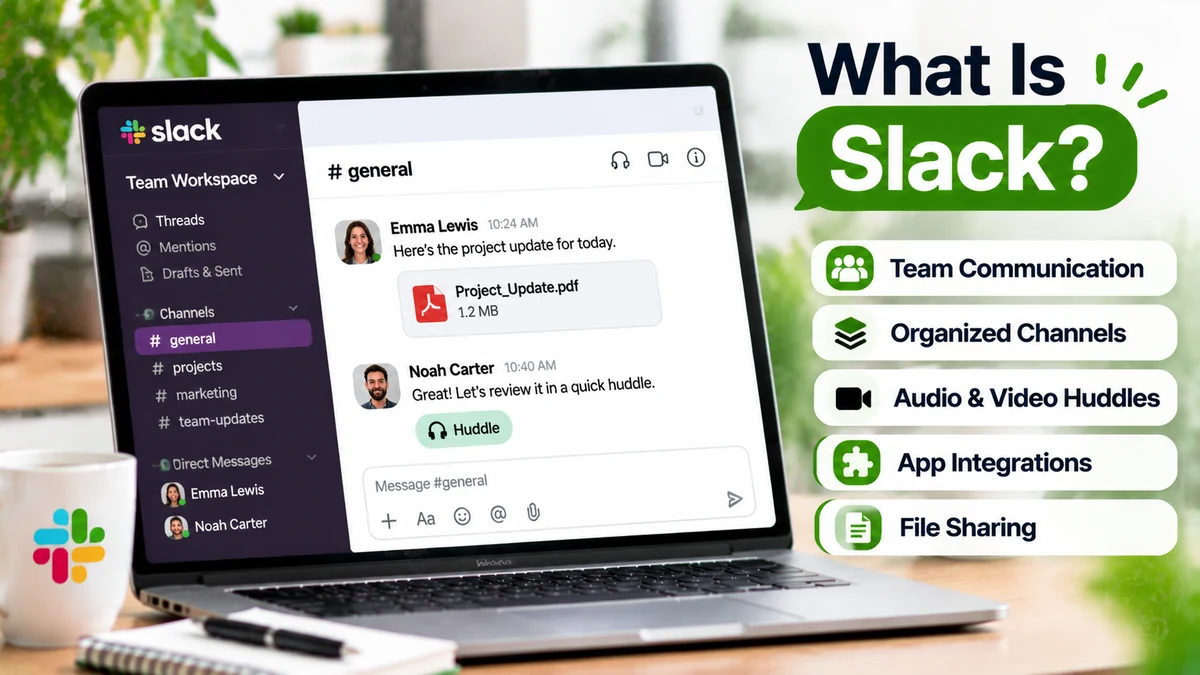
Slack is a communication platform that allows teams to exchange messages, share files, organize conversations into channels, and integrate other workplace applications.
It is particularly useful for businesses that need quick communication between employees, departments, and project teams.
Its key features include:
Channels for organizing team discussions.
Direct messaging for private communication.
File sharing and searchable conversations.
App integrations and workflow automation.
Huddles for audio and video collaboration.
Slack works well when communication is centered around ongoing projects, internal teams, and workplace productivity.
What Are Online Community Platforms?
Membership, networking, and long-term engagement
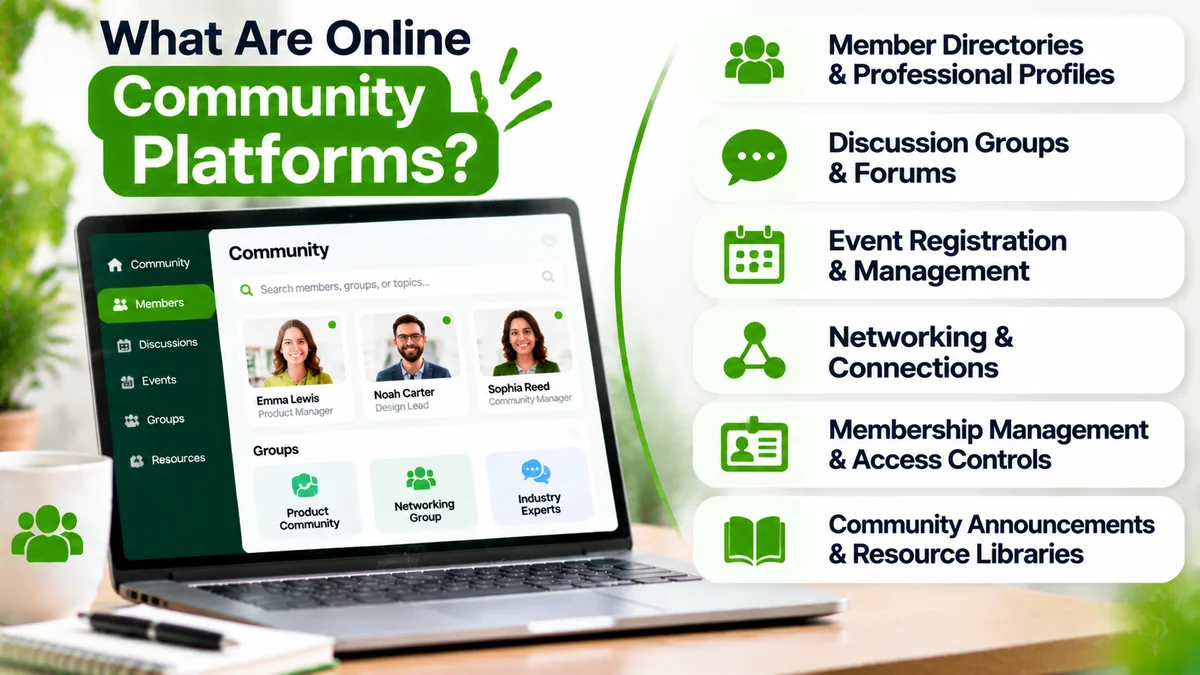
Online community platforms are digital environments designed to bring people together around shared interests, professional goals, industries, or organizations.
Unlike workplace messaging applications, they often provide a broader range of tools for managing member relationships and encouraging participation.
Common features include:
Member directories and professional profiles.
Public and private discussion groups.
Event registration and management.
Direct messaging and networking.
Membership management and access controls.
Community announcements and resource libraries.
These platforms are suitable for professional associations, alumni networks, educational communities, business groups, and event organizers.
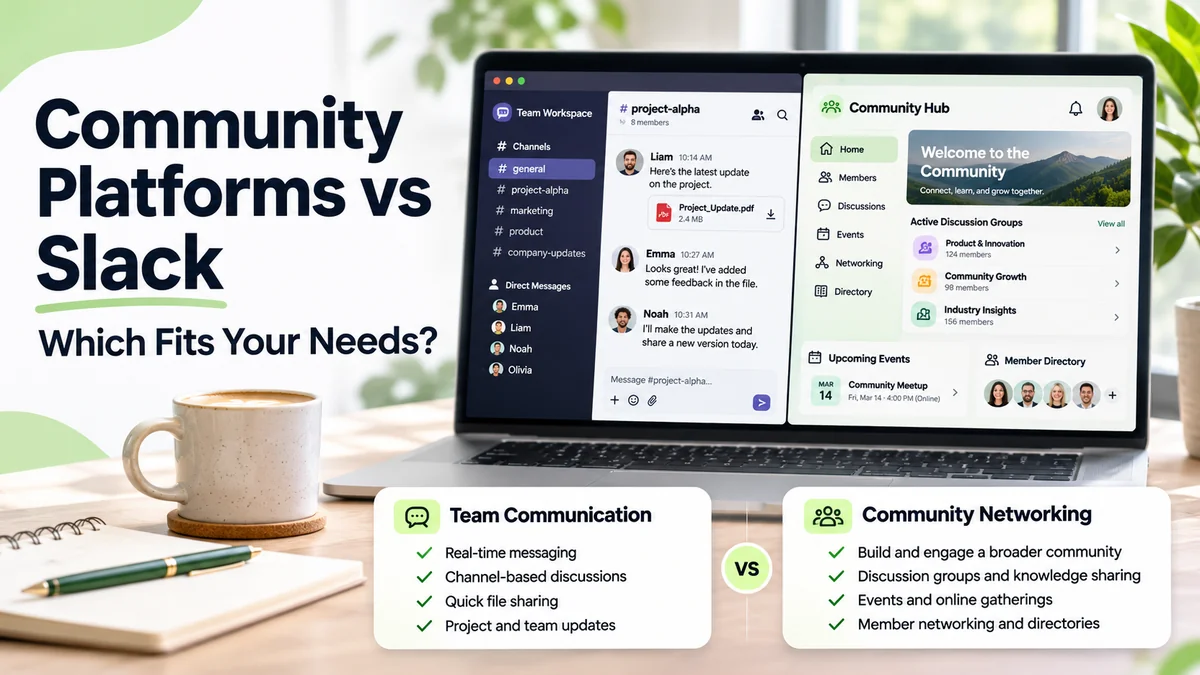
Community Platforms vs Slack: Key Differences
Although both solutions support digital communication, their capabilities differ depending on the type of organization using them.
| Feature | Slack | Community Platforms |
|---|---|---|
| Main purpose | Team communication | Member engagement and networking |
| Member profiles | Basic user information | Detailed member profiles |
| Discussions | Channels and threads | Topic-based groups and forums |
| Networking | Primarily team-focused | Member discovery and connections |
| Events | Limited or integration-based | Often built-in event management |
| Membership management | Workspace administration | Dedicated membership tools |
| Best suited for | Businesses and internal teams | Professional and interest-based communities |
The right choice depends on whether your primary goal is to communicate with a team or build an active community.
6 Factors to Consider Before Choosing
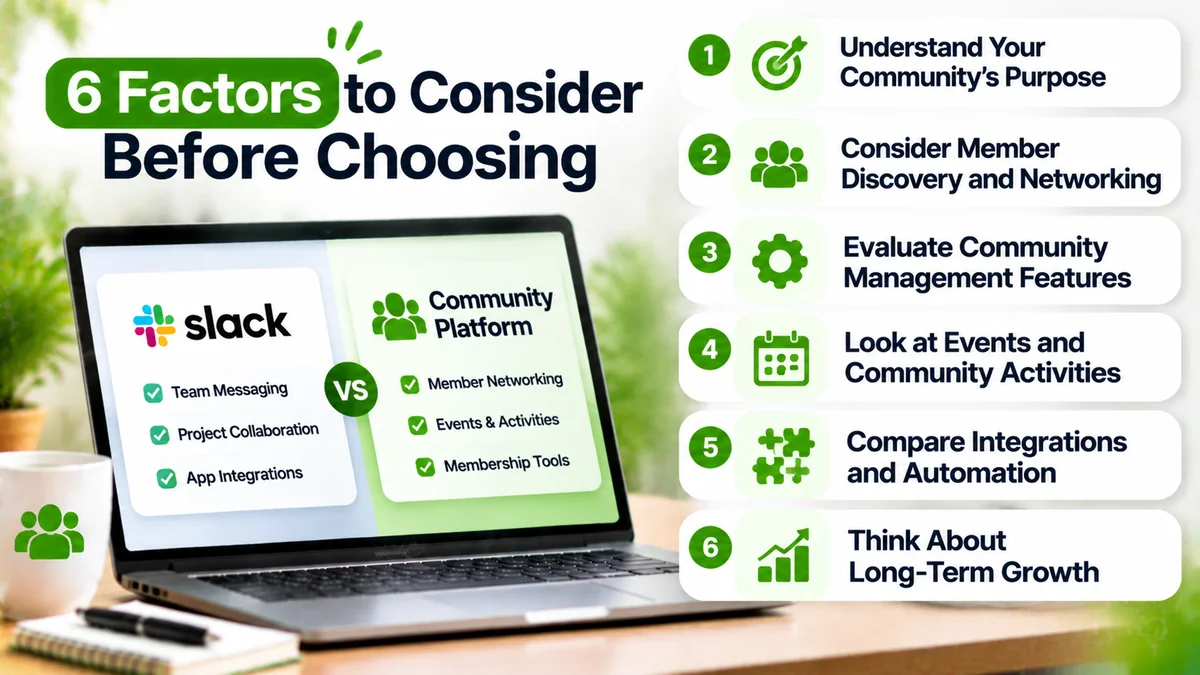
1. Understand Your Community's Purpose
Start by identifying who will use the platform and why.
If you manage a company team that needs quick updates, project discussions, and file sharing, Slack may be sufficient.
However, if you are building a professional network where members need to discover people, participate in industry discussions, and attend events, a dedicated community platform may be more appropriate.
2. Consider Member Discovery and Networking
One major difference between the two solutions is how members discover one another.
Slack organizes communication around workspaces and channels. Dedicated community platforms may provide searchable directories, professional profiles, and connection features.
For networking organizations, these capabilities can make a significant difference because members need opportunities to build relationships beyond messaging.
3. Evaluate Community Management Features
Managing a growing membership requires more than creating communication channels.
Community administrators may need tools to approve registrations, manage access permissions, moderate discussions, and monitor member participation.
Dedicated community management software often provides these capabilities in one environment.
Slack offers workspace administration and channel permissions, but it is not primarily designed for managing membership-based communities.
4. Look at Events and Community Activities
Events are important for communities that organize workshops, conferences, webinars, or networking sessions.
Slack can support event-related communication through channels and integrations. However, dedicated platforms may provide built-in event calendars, registration tools, attendee information, and networking features.
If events are central to your community strategy, compare these capabilities carefully.
5. Compare Integrations and Automation
Both types of platforms can connect with external applications, but their integration requirements may differ.
Slack offers extensive workplace integrations for productivity and project management.
Community platforms may focus on connecting membership systems, event tools, email marketing, and other engagement services.
Consider which integrations your organization already uses before making a decision.
6. Think About Long-Term Growth
A tool that works for 30 members may not provide everything required for a network of 3,000 people.
Consider future requirements such as multiple membership categories, specialized discussion groups, event management, and advanced reporting.
Choosing a scalable solution can reduce the need to migrate your entire community later.
Can You Use Slack and a Community Platform Together?
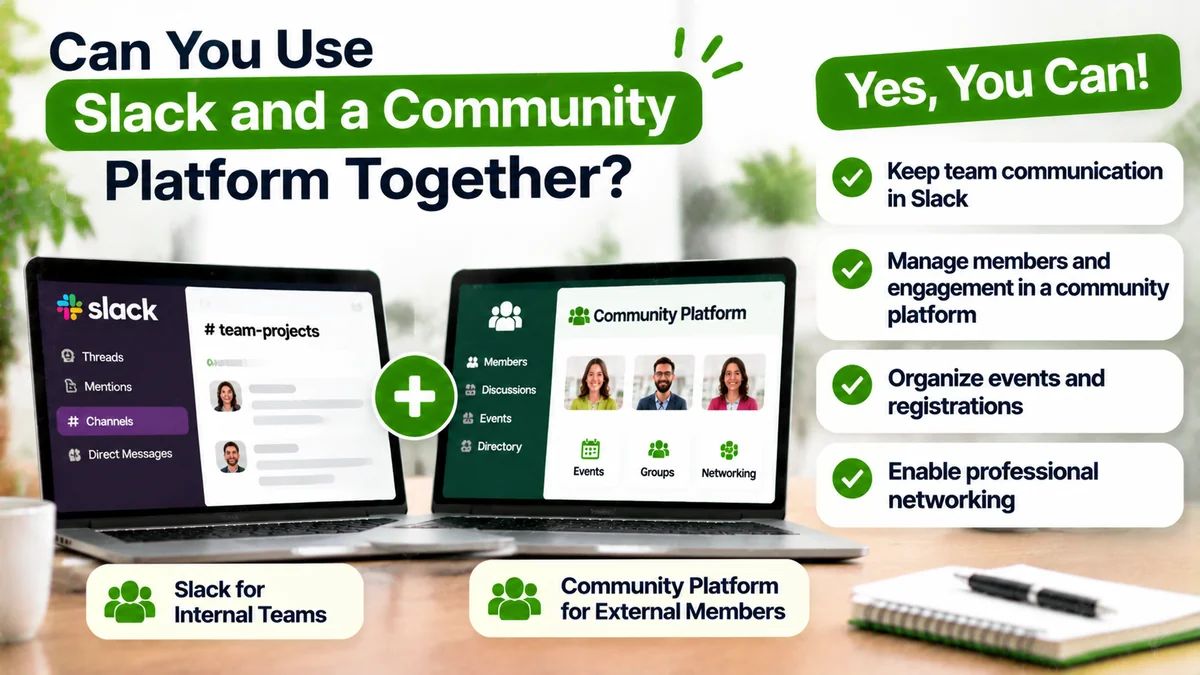
Yes. These tools do not always need to compete.
Some organizations use Slack for internal team communication while maintaining a separate community platform for external members.
For example:
Employees coordinate projects through Slack.
Community members participate in industry discussions.
Administrators manage events and registrations through the community platform.
Members discover professional connections through searchable directories.
This approach separates internal operations from broader community engagement.
How to Choose the Right Solution

Before selecting a platform, consider these questions:
Do you need internal team messaging or external member networking?
Will members need searchable professional profiles?
Are events and discussion groups important?
Do you require membership approvals and access controls?
Will the platform support your expected community growth?
Your answers will help identify which features matter most.
Conclusion
The comparison of community platforms vs Slack ultimately comes down to purpose. Slack is a strong choice for workplace messaging, project coordination, and internal collaboration. Dedicated community platforms offer broader capabilities for managing members, organizing discussions, supporting events, and building long-term relationships.
If your priority is team productivity, Slack may meet your requirements. However, if you want to create an active professional network or membership-based community, a dedicated solution is worth considering.
The best platform is the one that makes participation easier, supports your organizational goals, and provides room for future growth.
Frequently Asked Questions
1. Is Slack suitable for managing an online community?
Slack can support smaller communities through channels and direct messaging. However, larger membership-based networks may need additional tools for directories, events, and member management.
2. What is the main difference between Slack and community platforms?
Slack focuses primarily on team communication, while community platforms are designed to support member relationships, discussions, networking, and engagement.
3. Can Slack replace a dedicated community platform?
It can work for simple communication-based groups, but it may not offer all the specialized membership and networking features required by larger communities.
4. Are community platforms better for professional networking?
Many dedicated community platforms offer searchable member profiles, connection features, and event networking tools that support professional relationship-building.
5. Can businesses use both platforms?
Yes. Businesses can use Slack for internal communication and a dedicated community platform to manage external members, customers, partners, or professional networks.
Get the next article in your inbox
Stay updated with practical insights, product updates, and networking tips — delivered straight to your inbox.