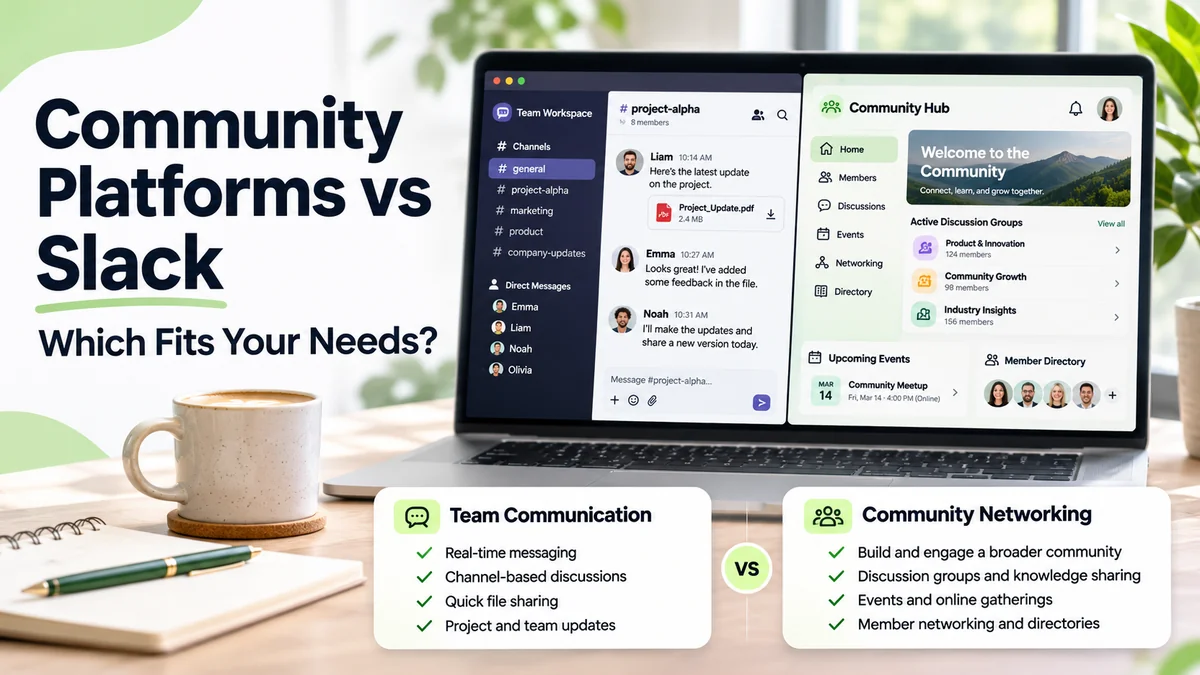


Professional associations bring people together around shared industries, occupations, interests, or goals. Their members may include experienced professionals, newcomers, business owners, researchers, and industry specialists. Maintaining relationships between these members is important, but traditional communication methods may not provide enough opportunities for ongoing interaction.
A community app for associations can help organizations create a more connected member experience. It can support communication, professional networking, event participation, resource sharing, and member engagement.
Why Associations Need a Dedicated Community App
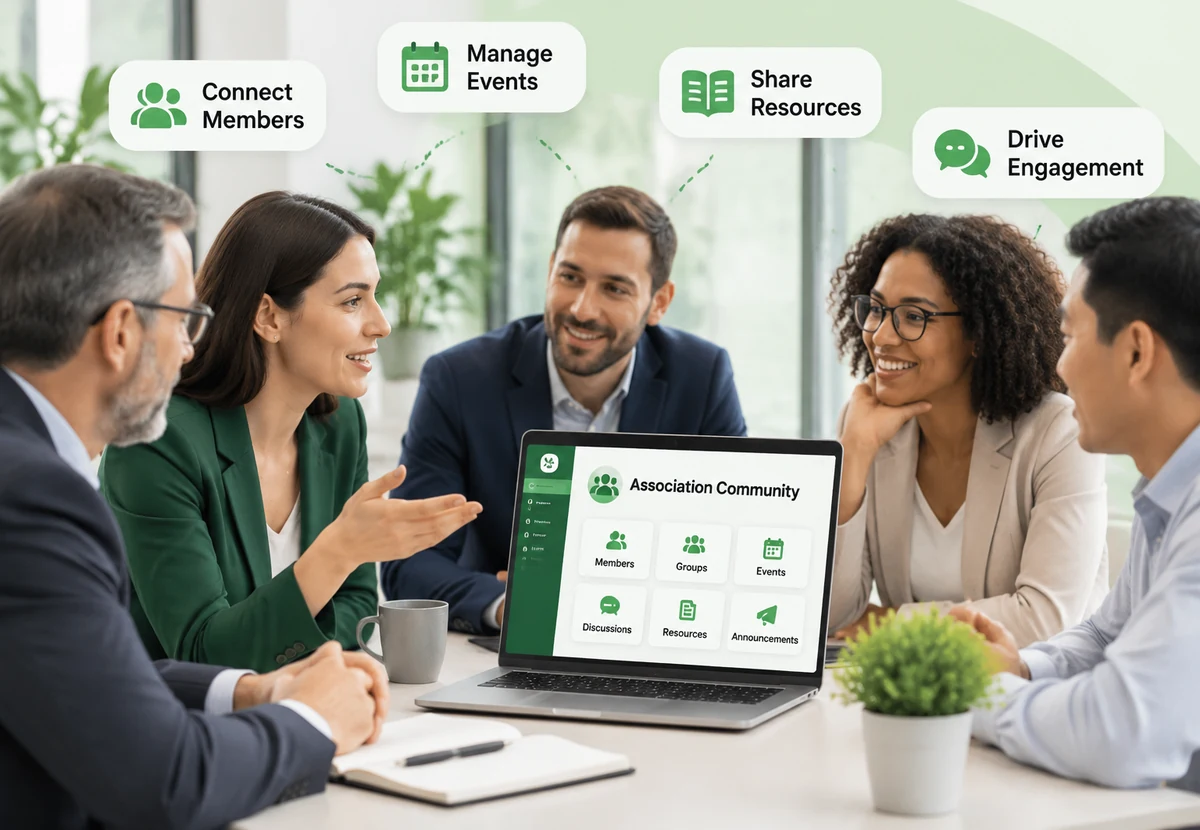
Many associations rely on email newsletters, websites, social media pages, and occasional events. These channels are useful, but they may separate conversations and make member discovery difficult.
A dedicated professional association platform can bring important activities into one organized environment.
It can help associations:
Keep members informed about announcements.
Create groups for specialist interests.
Promote conferences and professional events.
Support communication between members.
Share educational resources and industry updates.
Maintain relationships between annual meetings.
A centralized space also gives members a clearer way to participate in the association beyond paying membership fees or attending occasional events.
Essential Features to Consider
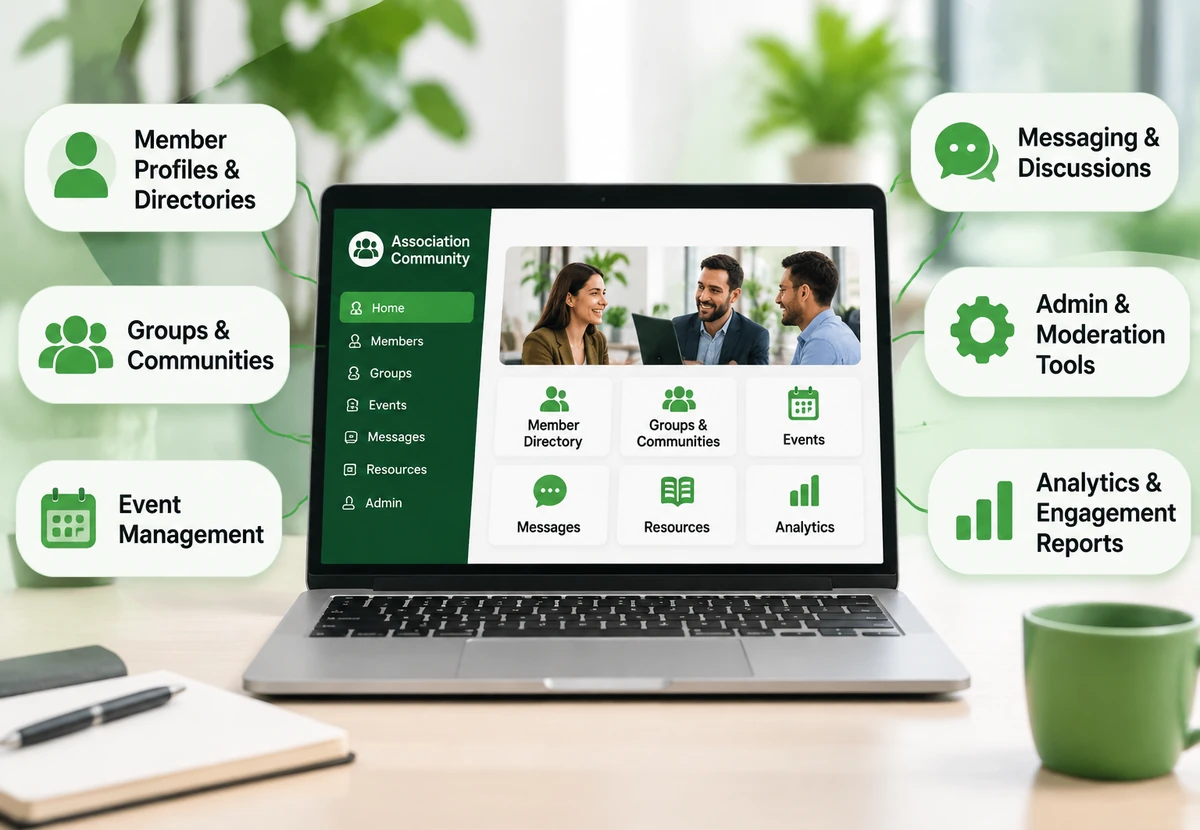
Choosing an app requires understanding what members and administrators need. Consider these important capabilities.
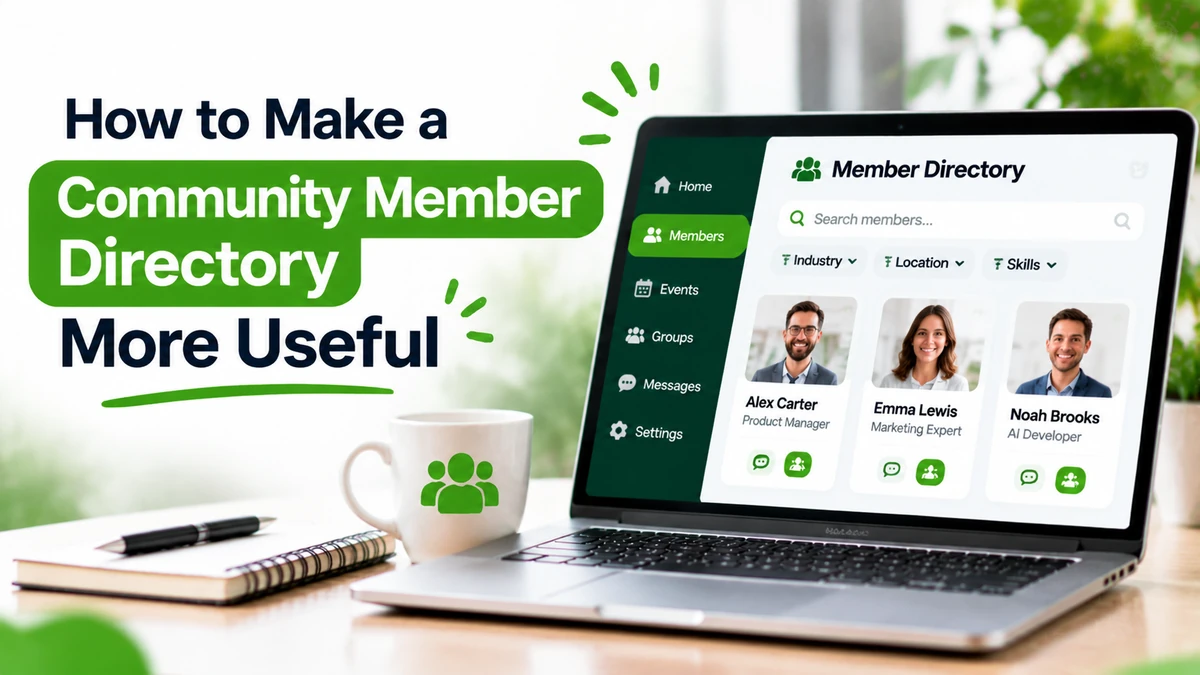
1. Member Profiles and Directories
Members should be able to create profiles showing their professional background, experience, skills, and interests. A searchable directory can make it easier to discover relevant contacts.
2. Groups and Communities
Associations often represent different professional specialties. Groups allow members to participate in focused discussions instead of receiving every update.
3. Event Management
The app should make it easy to publish conferences, webinars, training sessions, and local meetups. Registration and reminders can improve event communication.
4. Messaging and Discussions
Members need ways to ask questions, exchange knowledge, and communicate with relevant contacts.
5. Administrative and Moderation Tools
Administrators should be able to manage users, review reports, organize groups, and maintain community standards.
6. Analytics
Engagement reports can help associations understand which activities attract participation and where improvements are needed.
Comparing Community App Features
The right membership community software should support both everyday interaction and the association's long-term objectives.
| Feature | How it helps | Priority |
|---|---|---|
| Member directory | Helps members discover contacts | High |
| Groups | Supports specialist discussions | High |
| Event management | Organizes activities and registration | High |
| Messaging | Encourages direct communication | High |
| Analytics | Measures participation | Medium |
| Recognition tools | Highlights active contributors | Medium |
Priorities may differ depending on the size and purpose of the association.
How to Evaluate Different Platforms
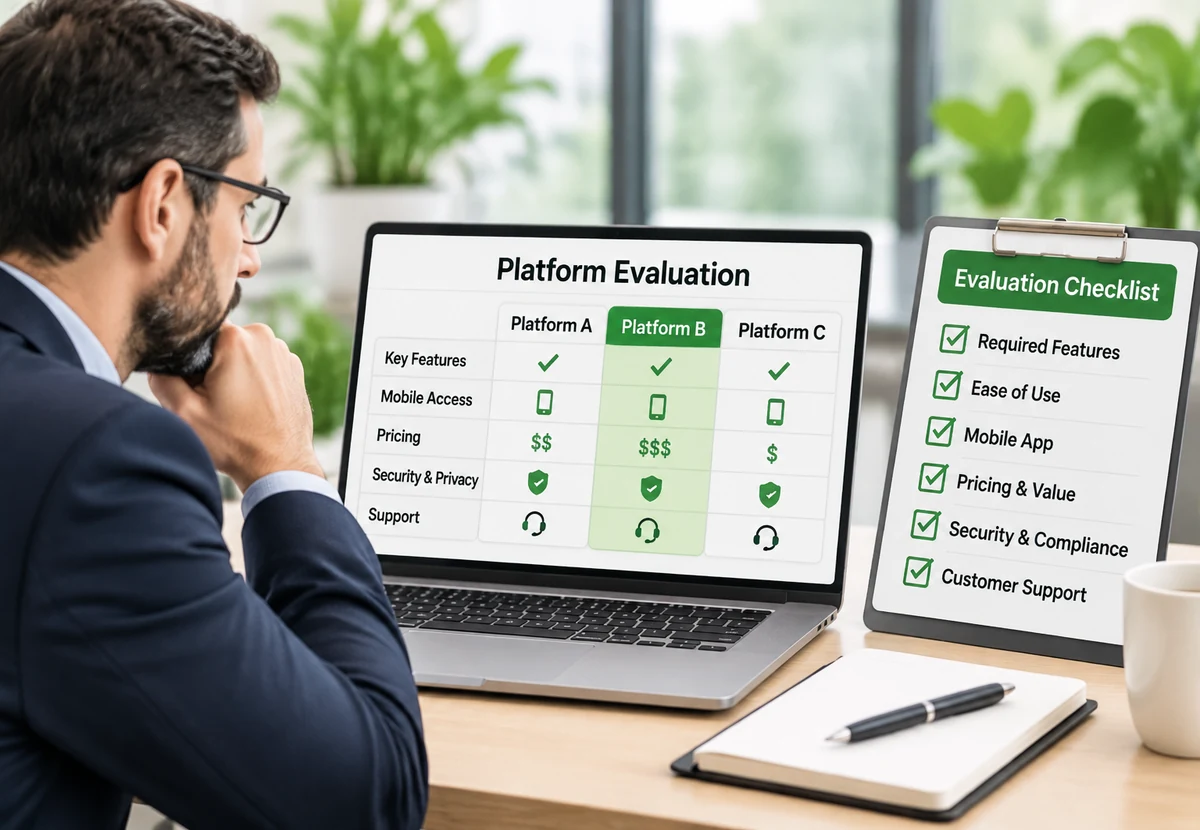
Do not choose a solution based only on the number of features advertised. Evaluate how well it supports your actual member journey.
Use this checklist:
Identify the main communication problems members experience.
Ask members which features would be most useful.
Review the platform's mobile experience.
Check how easily administrators can manage content.
Understand pricing, user limits, and additional charges.
Review privacy, security, and data management practices.
Test the platform with a small group before a full launch.
A suitable community platform for organizations should be easy to use for members with different levels of technical experience.
Improving Member Engagement After Launch
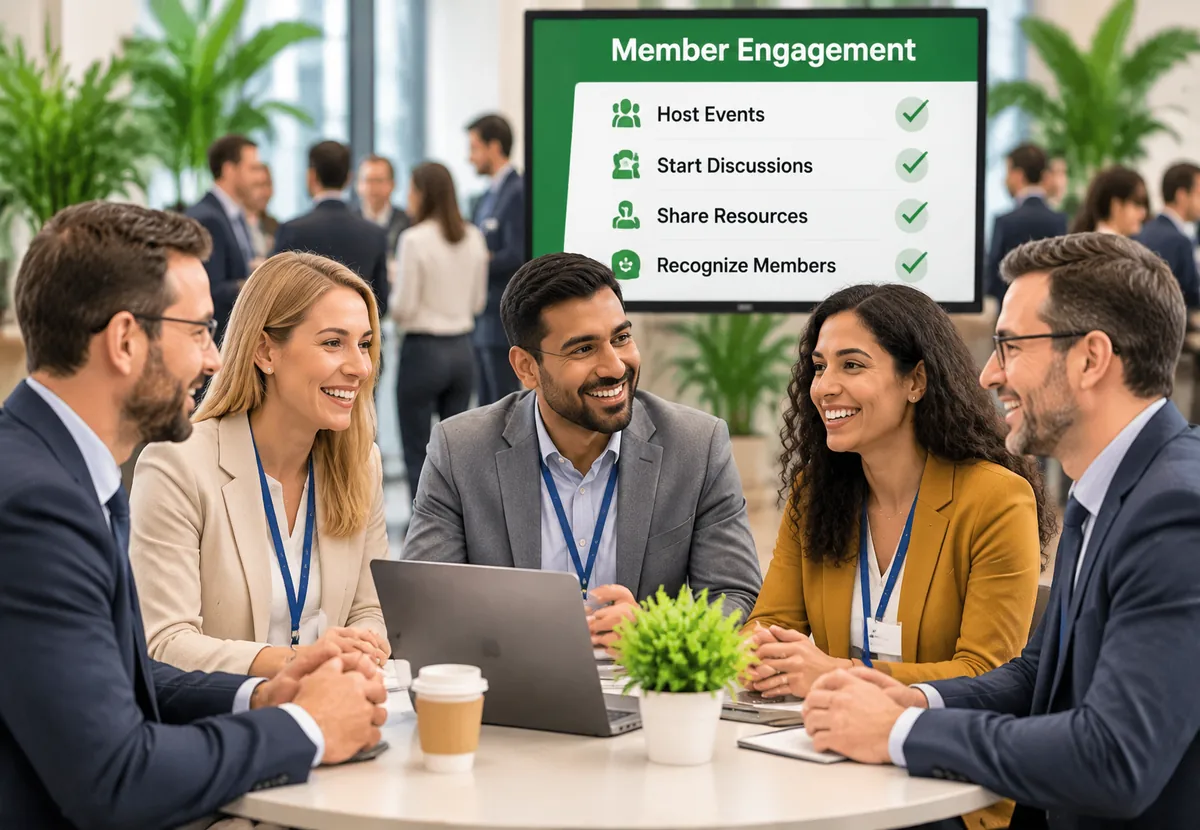
A successful launch is only the beginning. Associations need regular activities that give members a reason to return.
Consider these approaches:
Organize monthly expert discussions.
Create groups for specific professional interests.
Invite members to share industry knowledge.
Promote upcoming events and training opportunities.
Recognize members who contribute useful information.
Collect feedback through surveys and polls.
These member engagement strategies can help make participation a regular habit rather than an occasional activity.
Supporting Professional Networking
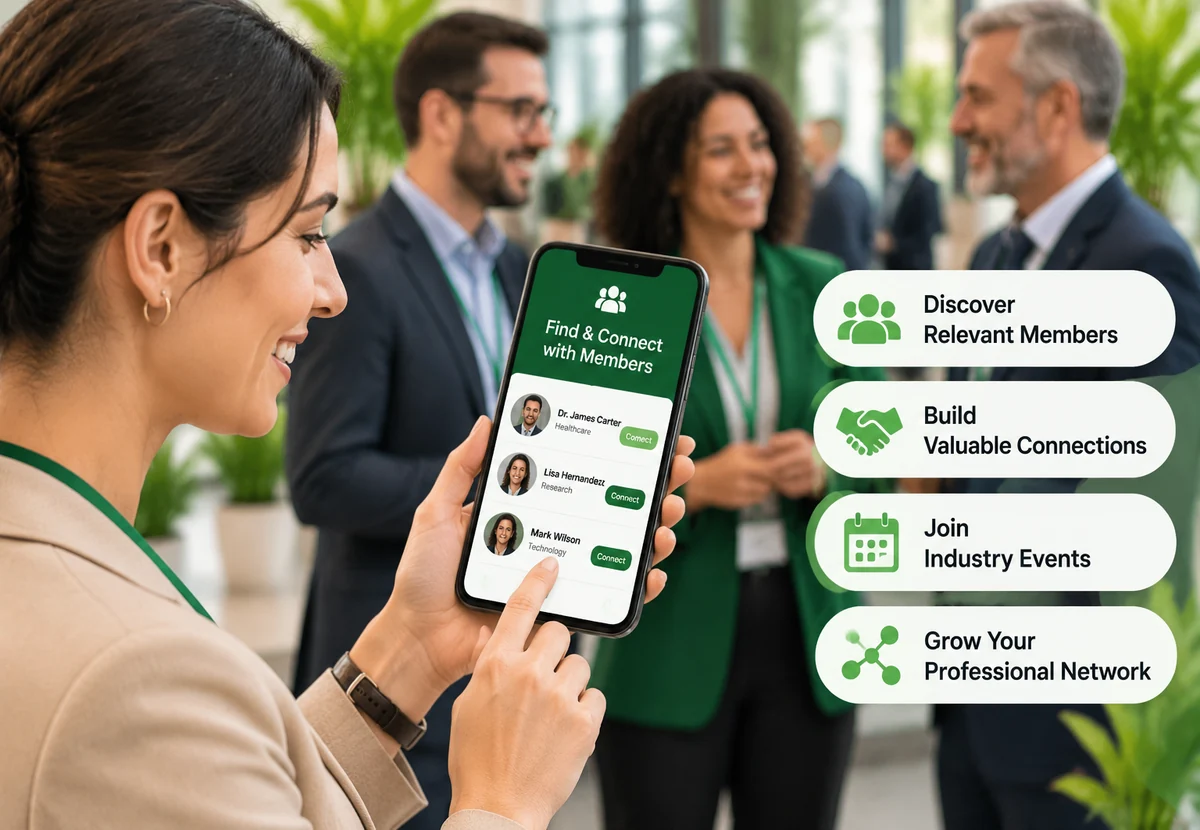
Networking is one of the main reasons people join professional associations. However, members may not always know whom to contact or which people share their interests.
A professional networking community can improve discovery through searchable profiles, shared interests, and relevant discussion groups.
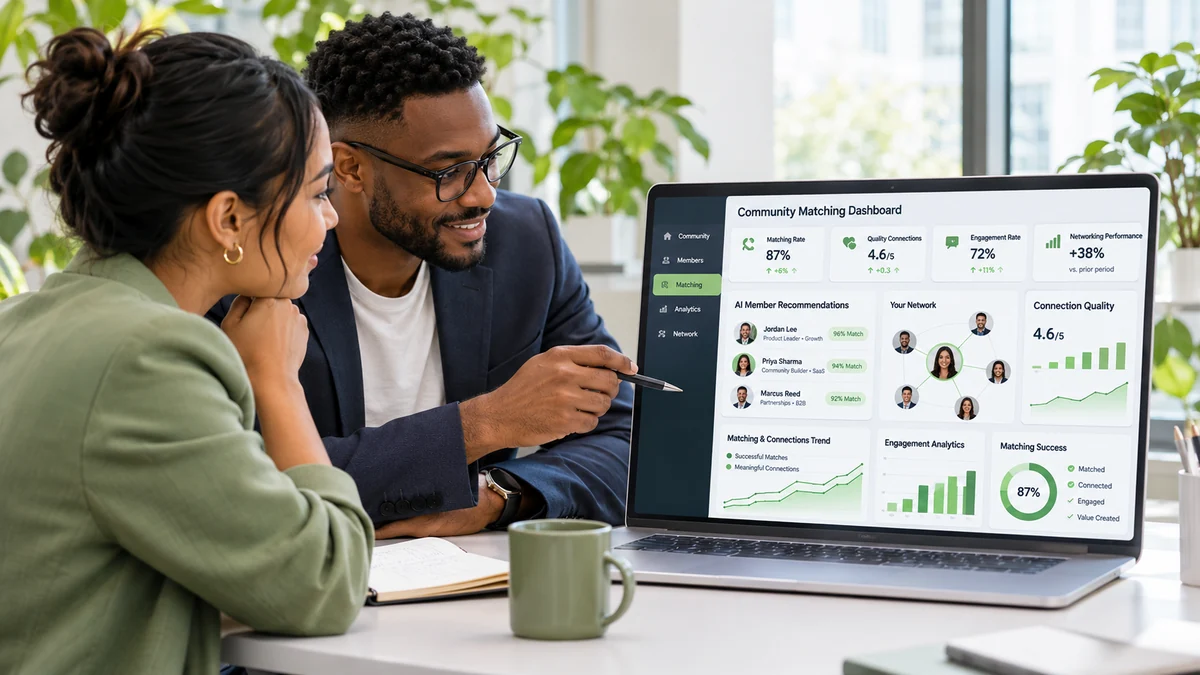
Netwoor focuses on connected professional experiences and relevant networking, making member discovery an important consideration when designing a digital community.
Conclusion
The right community app can help associations improve communication, strengthen member relationships, and increase participation throughout the year. Before choosing a platform, assess member needs, compare essential features, review privacy controls, and consider long-term costs. The best solution is one that supports the association's purpose and makes membership more valuable.
FAQs
1. What is a community app for associations?
It is a digital platform that helps association members communicate, network, attend events, and share resources.
2. What features should associations prioritize?
Member directories, groups, messaging, event management, and administrative controls are important starting points.
3. Can a community app improve member retention?
It can support retention by providing regular opportunities for communication, learning, and professional interaction.
4. Should associations choose a custom app?
A custom app may suit organizations with specialized requirements, but the decision should depend on budget and functionality.
Get the next article in your inbox
Stay updated with practical insights, product updates, and networking tips — delivered straight to your inbox.