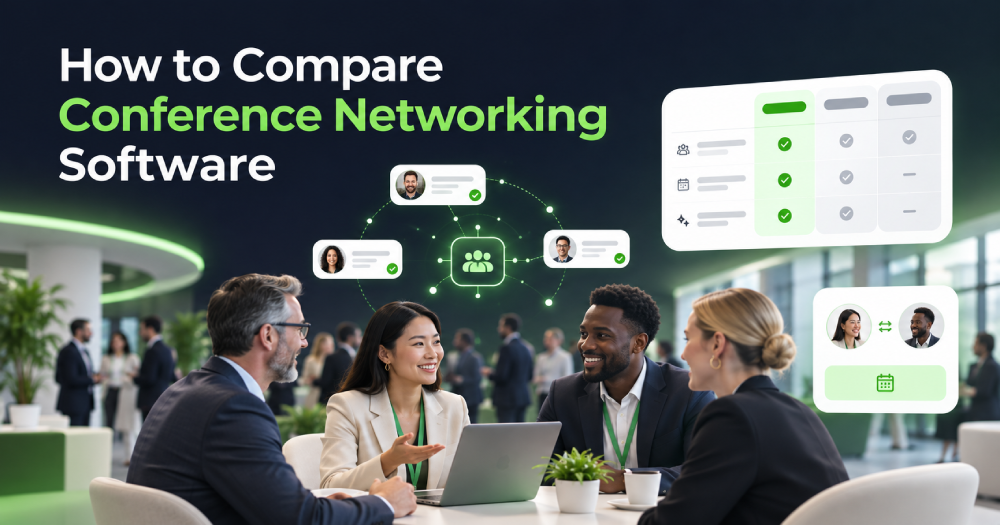
Building professional relationships is easier when you have the right digital tools. Whether you attend business events, meet potential clients, or look for industry partners, a business networking app can help you connect with relevant people and manage professional relationships.
However, not every networking tool offers the same features. Some focus on exchanging contact details, while others provide smart matching, event management, meeting scheduling, and follow-up options. Understanding these differences can help you choose a platform that supports your networking goals.
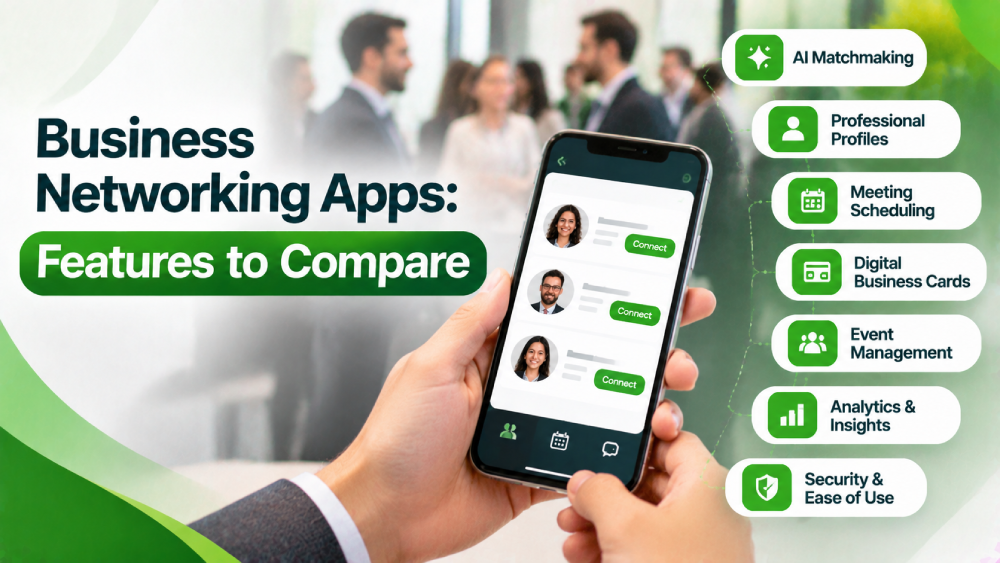
7 Important Features to Compare in Business Networking Apps
Before choosing a platform, consider the following features to understand what each option offers.
1. Smart Networking and Matchmaking
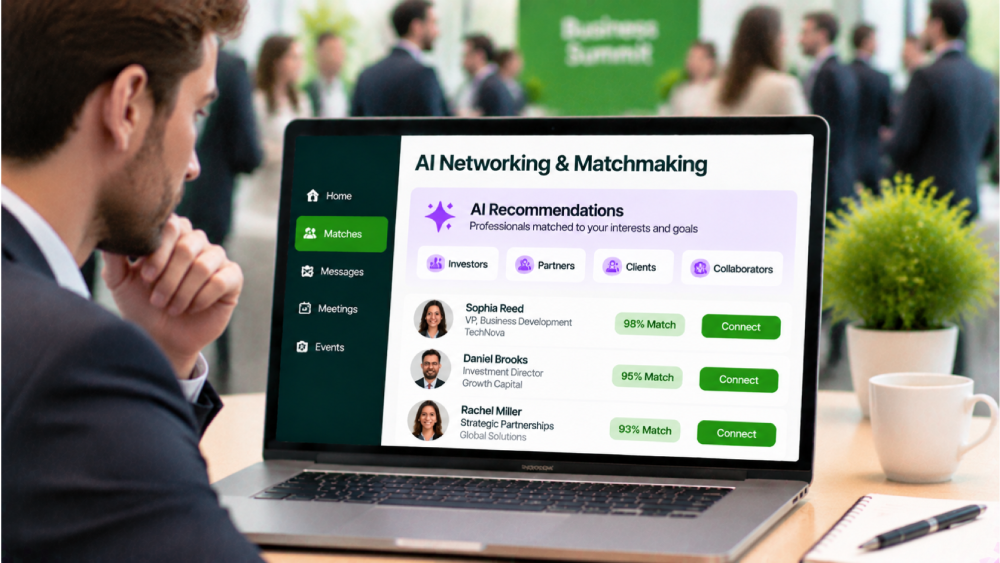
A good networking platform should help users find relevant people instead of simply displaying a long list of profiles. Look for intelligent matchmaking based on professional interests, industries, business goals, skills, and experience.
An event networking app with AI-powered matching can make it easier to discover potential clients, investors, partners, and collaborators. This saves time and makes networking more productive.
2. Professional Profiles

Professional profiles help users understand who they are connecting with. Compare platforms based on the information users can add to their profiles, such as:
Name, job title, and company
Professional experience and skills
Industry and business interests
Areas of expertise
Social media and website links
A professional networking app should make profiles easy to create, update, and explore.
3. In-App Messaging and Meeting Scheduling

Finding the right person is only the first step. Users also need convenient ways to communicate and arrange meetings.
Check whether the platform offers direct messaging, meeting requests, calendar integration, and meeting reminders. Some tools also allow users to schedule one-to-one meetings during events.
These features are particularly useful for people attending conferences with limited networking time.
4. Contact Sharing and Digital Business Cards
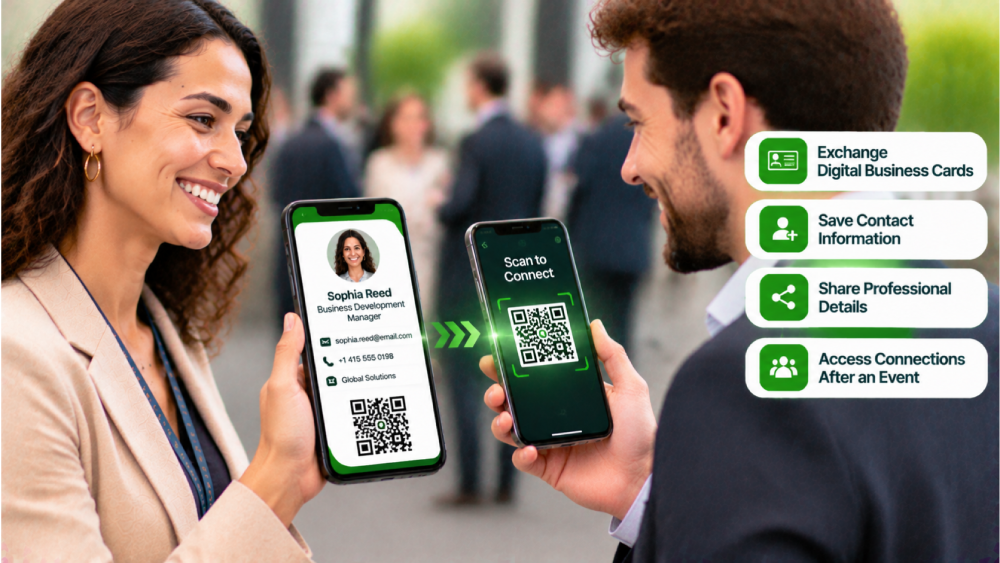
Traditional business cards can easily get lost or forgotten. Digital contact sharing provides a convenient alternative.
When comparing a business networking platform, check whether users can exchange digital business cards, save contact information, share professional details, and access connections after an event.
Some platforms also support QR codes, making contact sharing faster during in-person meetings.
5. Event Management and Integration
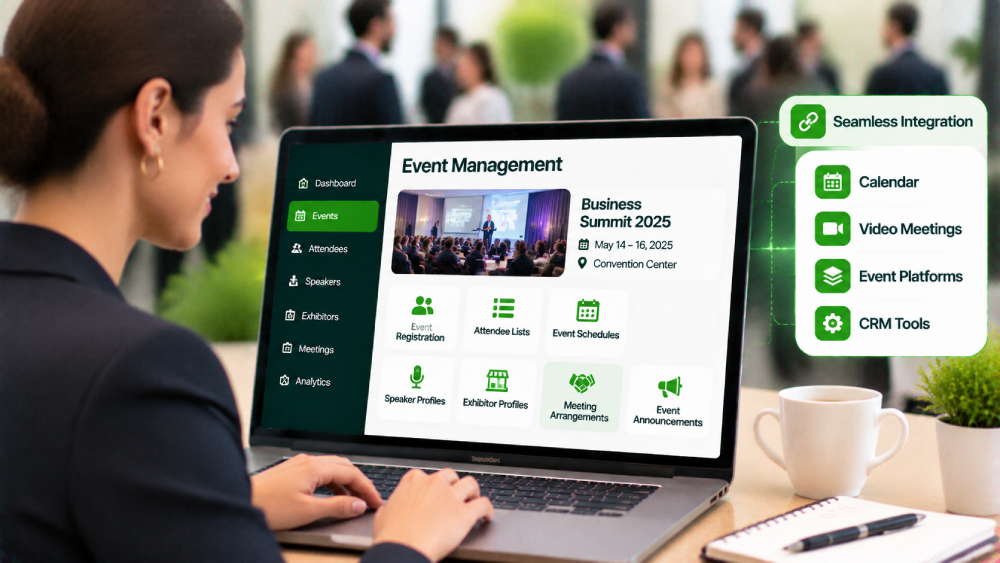
Networking tools should work smoothly with professional events. Organisers need features that help them manage attendees, communicate updates, and create networking opportunities.
Look for an event networking software solution that supports:
Event registration and attendee lists
Personalised event schedules
Speaker and exhibitor profiles
Meeting arrangements
Event announcements and notifications
Integration with existing event management systems is another useful feature to consider.
6. Analytics and Performance Tracking
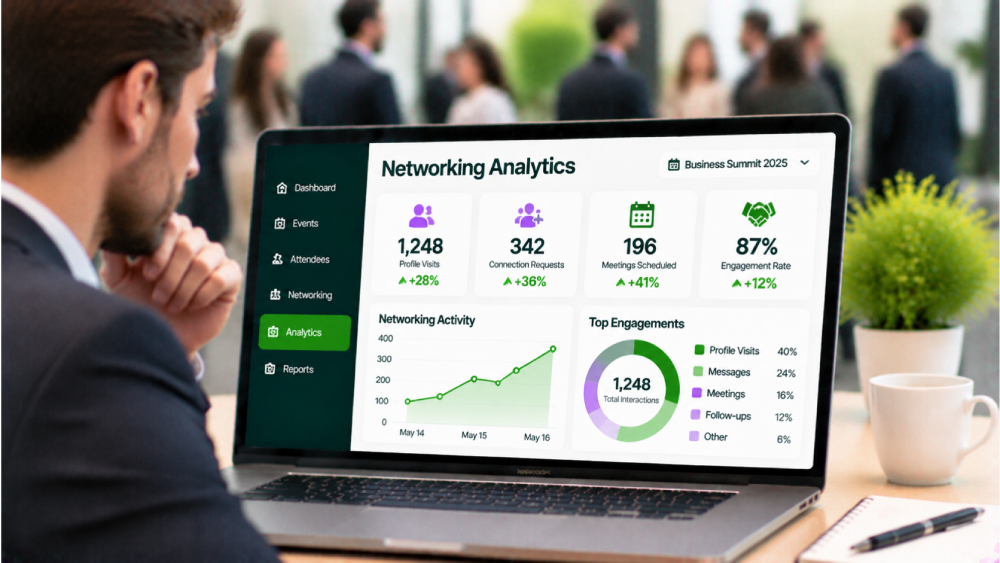
Networking is not only about the number of people you meet. The quality of connections and business opportunities also matters.
Choose a platform that provides useful analytics, such as profile visits, connection requests, meeting activity, engagement rates, and follow-up interactions.
These insights help event organisers understand attendee participation and measure networking performance.
7. Security and Ease of Use
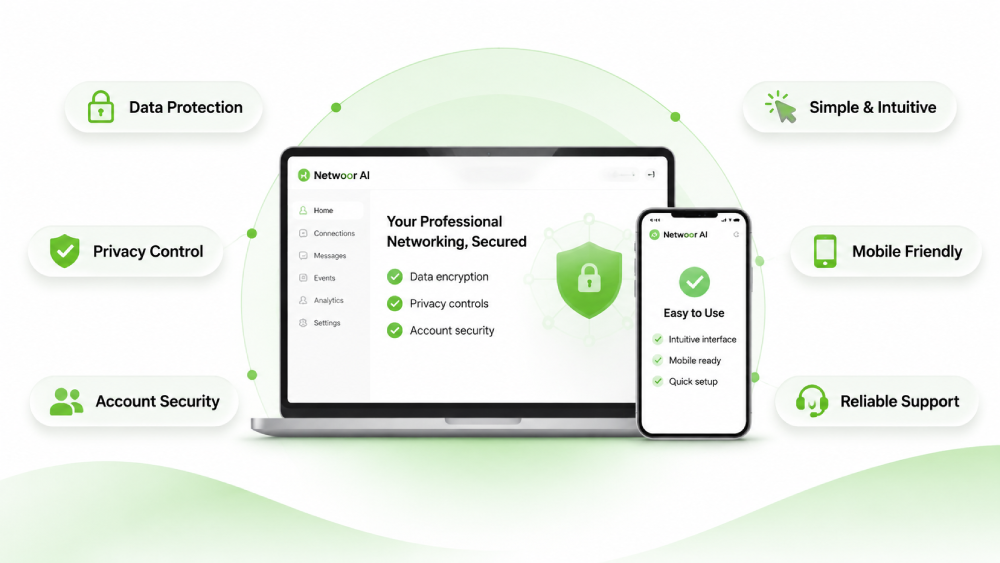
A platform may offer advanced features, but users will not benefit from them if the interface is difficult to navigate.
Compare the overall user experience, mobile compatibility, data protection policies, account controls, and available support.
A networking app for professionals should make connecting, messaging, and sharing information simple. It should also provide clear privacy settings so users can manage their professional information.
How to Choose the Right Business Networking App
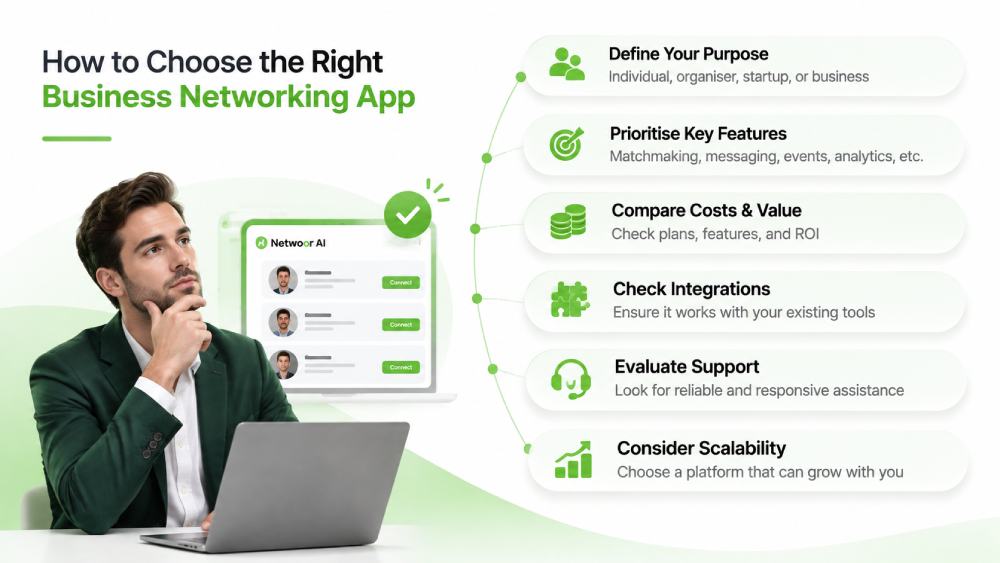
The right choice depends on your purpose. For example, an individual professional may prioritise profile discovery and direct messaging, while an event organiser may need attendee management, meeting scheduling, and engagement analytics.
Similarly, startups may look for investor connections, business partnerships, and industry communities.
If you regularly attend conferences, a conference networking app with attendee matching and meeting scheduling can make the experience more productive.
Also, compare subscription costs, available integrations, customer support, and scalability before making a decision.
Platforms such as Netwoor focus on AI-powered professional matching and smarter connections, helping users discover relevant networking opportunities.
Conclusion
Choosing a networking platform requires more than comparing prices or the number of available users. Consider matchmaking, professional profiles, messaging, digital business cards, event management, analytics, and security.
A suitable business networking app should make professional connections easier to discover, manage, and develop. Compare these features against your goals to find a solution that delivers meaningful networking opportunities.
FAQs
1. What is the main purpose of a business networking app?
It helps professionals discover contacts, communicate, and build business relationships.
2. Are networking apps useful for small businesses?
Yes. They can help small businesses find clients, partners, and potential investors.
3. Can networking apps support virtual events?
Yes. Many platforms offer online profiles, messaging, and virtual meeting features.
4. Should businesses choose free or paid networking apps?
It depends on their requirements, available features, and budget.
Get the next article in your inbox
Stay updated with practical insights, product updates, and networking tips — delivered straight to your inbox.