
Choosing the right community app is an important decision for organizations that want to bring people together, encourage meaningful conversations, and build long-term relationships. Whether you are creating a professional network, managing an alumni association, or developing a startup community, the platform you select can directly influence how members interact.
However, not every platform offers the same capabilities. Some focus mainly on messaging, while others provide networking, event management, member discovery, and collaboration tools. Understanding the essential community app features can help you select a solution that meets your members' needs without adding unnecessary complexity.
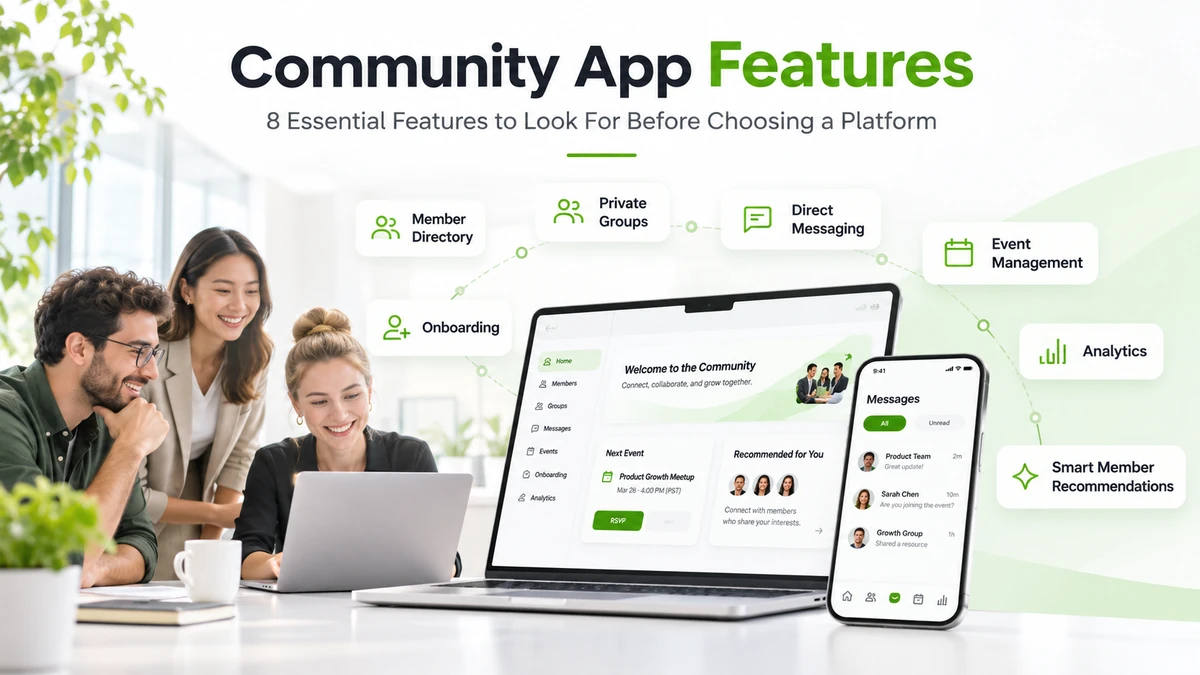
Top Feature Checklist For Choosing A Community App?
Rather than choosing an app based on popularity alone, evaluate its functionality, usability, flexibility, and ability to support future growth.
1. Easy Registration and Member Onboarding
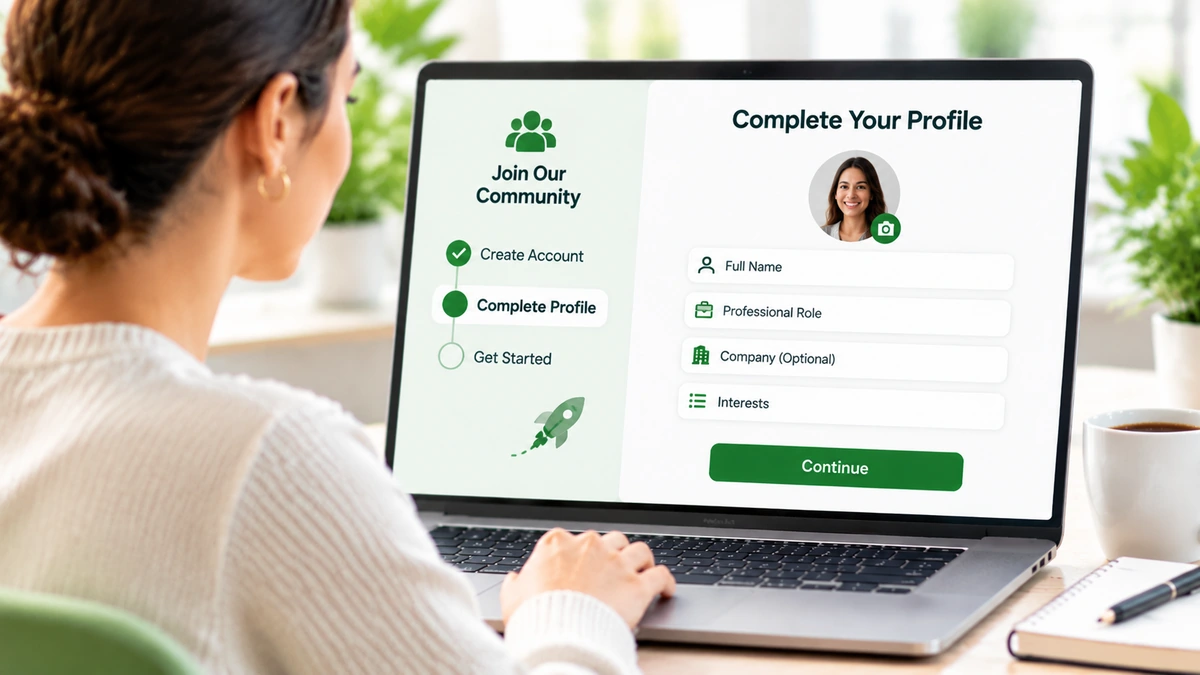
The first experience often determines whether someone continues participating in a community. A complicated registration process can discourage potential members before they explore the platform.
Look for an online community app that offers simple registration, profile creation, and guided onboarding.
Essential capabilities include:
Quick account creation and verification.
Customizable member profiles.
Welcome messages and onboarding instructions.
Clear navigation and accessible settings.
Mobile-friendly registration.
A smooth onboarding process helps new members understand how to participate and where to find useful resources.
2. Searchable Member Directory

A community should make it easy for people to discover one another. A searchable member directory allows participants to explore profiles based on professional backgrounds, industries, skills, interests, and locations.
For example, an entrepreneur looking for a marketing specialist should be able to find relevant professionals without searching through unrelated discussions.
Useful directory capabilities include advanced filters, profile visibility controls, connection options, and updated member information.
This feature is particularly important for professional networks where relationship-building is a central objective.
3. Private Groups and Organized Discussions

Large communities often contain members with different interests and professional goals. A single discussion space may become overcrowded with unrelated conversations.
Private groups help organize discussions around specific subjects, industries, or activities.
For example, a business community could create separate groups for:
Startup founders.
Investors and financial professionals.
Marketing specialists.
Technology developers.
Industry-specific discussions.
These spaces allow members to participate in conversations that match their interests while giving administrators better control over moderation.
4. Direct Messaging and Community Communication
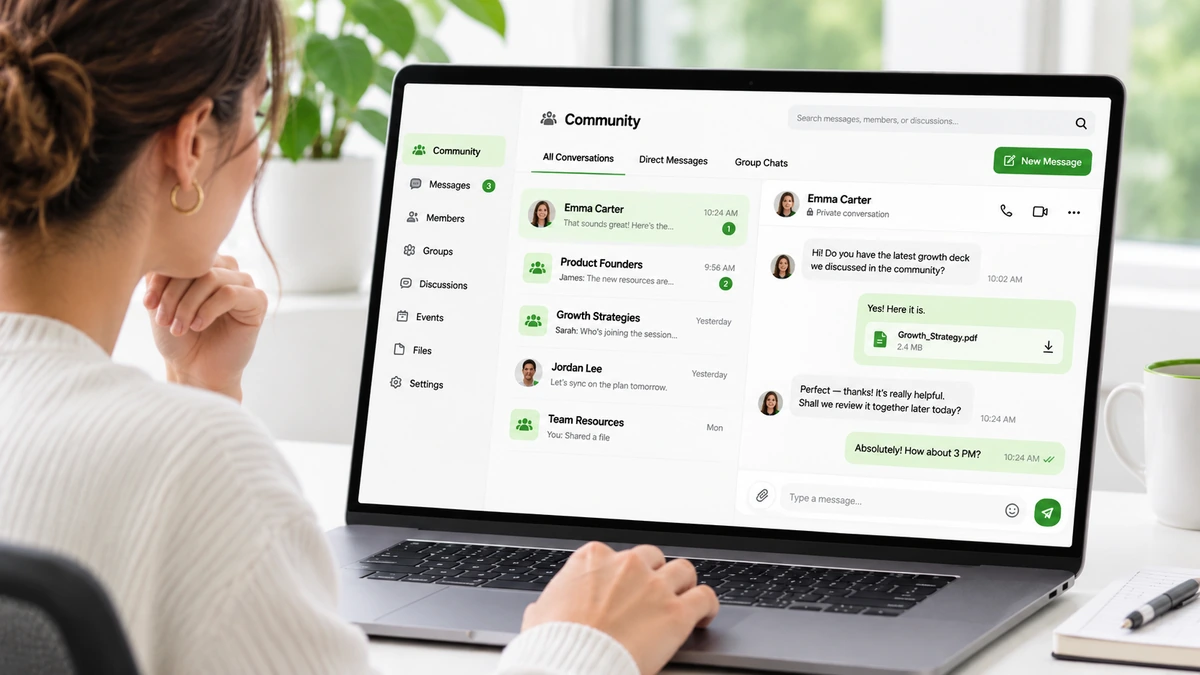
Communication should be simple and accessible. Strong community messaging features allow members to connect privately, exchange information, and continue conversations beyond public discussions.
Look for capabilities such as:
One-to-one messaging.
Group conversations.
Message notifications.
File and link sharing.
Conversation controls and privacy settings.
These tools help members move from discovering relevant people to developing actual relationships.
5. Event Management and Networking

Events provide opportunities for members to interact beyond everyday discussions. A useful platform should support event management through calendars, registration, reminders, and attendee information.
Depending on the community's requirements, event capabilities may include:
Online event registration.
Webinar and workshop announcements.
Attendee directories.
Networking opportunities.
Post-event discussions.
For conference organizers, these features can make it easier to connect participants before and after an event.
6. Intelligent Member Recommendations

Searching manually for relevant people can take time, particularly in communities with thousands of participants.
Advanced member engagement features may include intelligent recommendations that suggest connections based on shared interests, professional backgrounds, expertise, and goals.
For example, a startup founder seeking investment advice could receive suggestions for relevant investors or experienced mentors.
These recommendations make member discovery more convenient and can encourage meaningful participation.
7. Analytics and Community Management
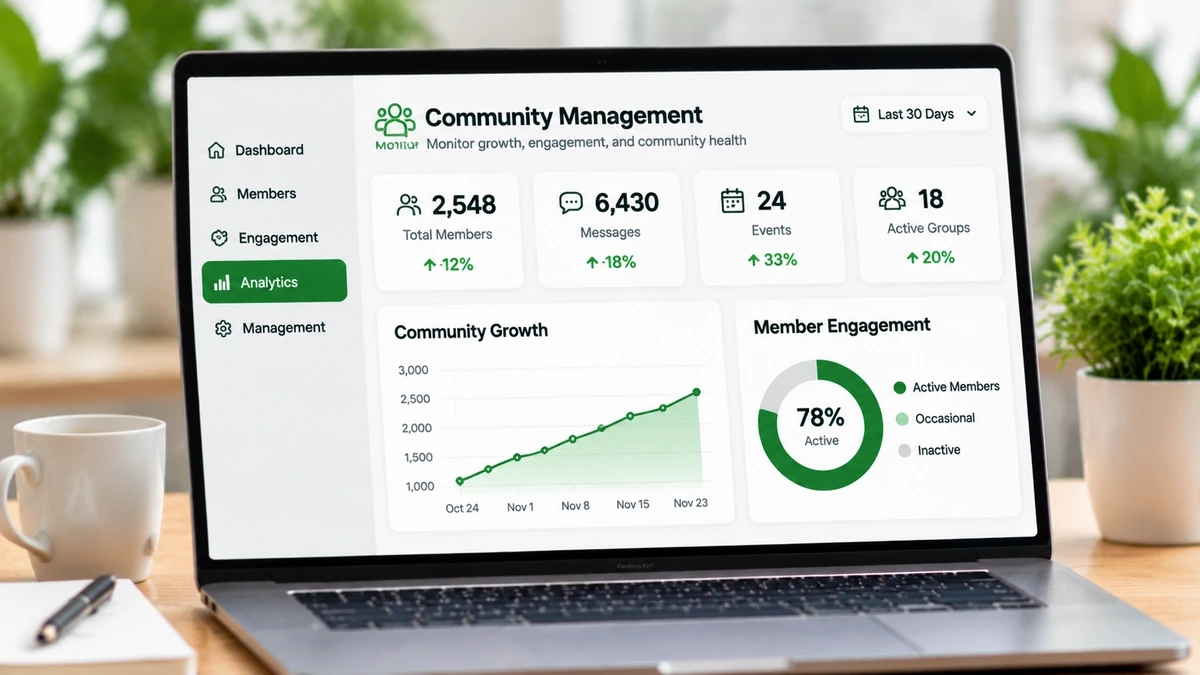
Administrators need visibility into how members use the platform. Effective community management tools provide information that helps identify active discussions, participation patterns, and engagement opportunities.
Useful analytics include:
Member registration and retention.
Profile completion rates.
Discussion participation.
Group activity.
Event attendance.
Connection requests.
These insights help community managers understand what works and where improvements are needed.
8. Scalability, Security, and Integrations

A community platform should support growth without making management increasingly difficult.
Evaluate whether the community platform offers reliable performance, appropriate access controls, data protection, and integrations with the tools your organization already uses.
Also consider whether it can accommodate different membership categories, growing discussion volumes, and additional administrative responsibilities.
Security deserves particular attention when members share professional or personal information.
Quick Community App Evaluation Checklist
| Feature | What to Evaluate |
|---|---|
| Registration | Simple onboarding |
| Directory | Searchable profiles |
| Groups | Organized discussions |
| Messaging | Direct communication |
| Events | Registration and reminders |
| Recommendations | Relevant member discovery |
| Analytics | Engagement tracking |
| Security | Privacy and access controls |
For organizations exploring modern networking experiences, Netwoor AI is an example of a platform positioning intelligent matching and member discovery as part of its community experience.
Conclusion
Choosing the right community app requires more than comparing basic messaging features. Organizations should evaluate onboarding, member directories, private groups, communication, events, recommendations, analytics, and security.
The best solution is one that supports how members actually interact while giving administrators the tools to manage and grow the network. A thoughtful feature checklist can help you avoid unnecessary functionality and invest in a platform that delivers long-term value.
Frequently Asked Questions
1. What is the most important feature of a community app?
A searchable member directory and effective communication tools are essential for helping members connect.
2. Should a community app include event management?
Yes, particularly for organizations that organize workshops, conferences, webinars, or networking sessions.
3. Are private groups necessary?
They are useful for separating discussions by interest, industry, or membership category.
4. How do I evaluate community app usability?
Test registration, navigation, messaging, profile discovery, and mobile accessibility.
Get the next article in your inbox
Stay updated with practical insights, product updates, and networking tips — delivered straight to your inbox.