

Getting someone to join an online community is only the beginning of building a lasting relationship. What happens immediately after registration often determines whether that person becomes an active participant or simply creates an account and disappears.
A well-planned community member onboarding process helps new participants understand how the community works, where to find relevant information, and how to start connecting with others.
Without proper guidance, new members may feel confused about discussion spaces, community guidelines, events, and available resources. A structured onboarding experience removes these barriers and encourages participation from the beginning.
Why Is Community Member Onboarding Important?
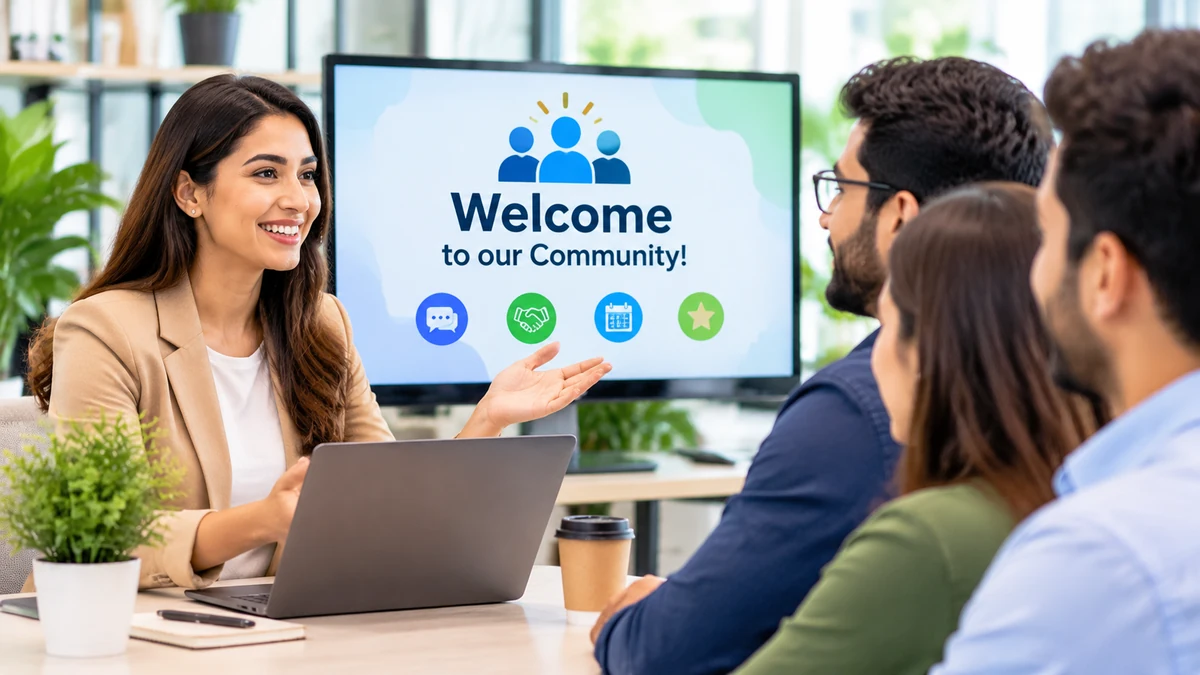
New members need more than a registration confirmation. They need a clear introduction to the community's purpose, people, and opportunities.
An effective onboarding process can:
Help members understand community expectations.
Encourage early participation.
Make it easier to discover relevant discussions.
Introduce members to useful networking opportunities.
Reduce confusion and unnecessary support requests.
Improve long-term member retention.
The first few interactions can shape how members perceive the overall community experience.
The Complete New Member Onboarding Checklist
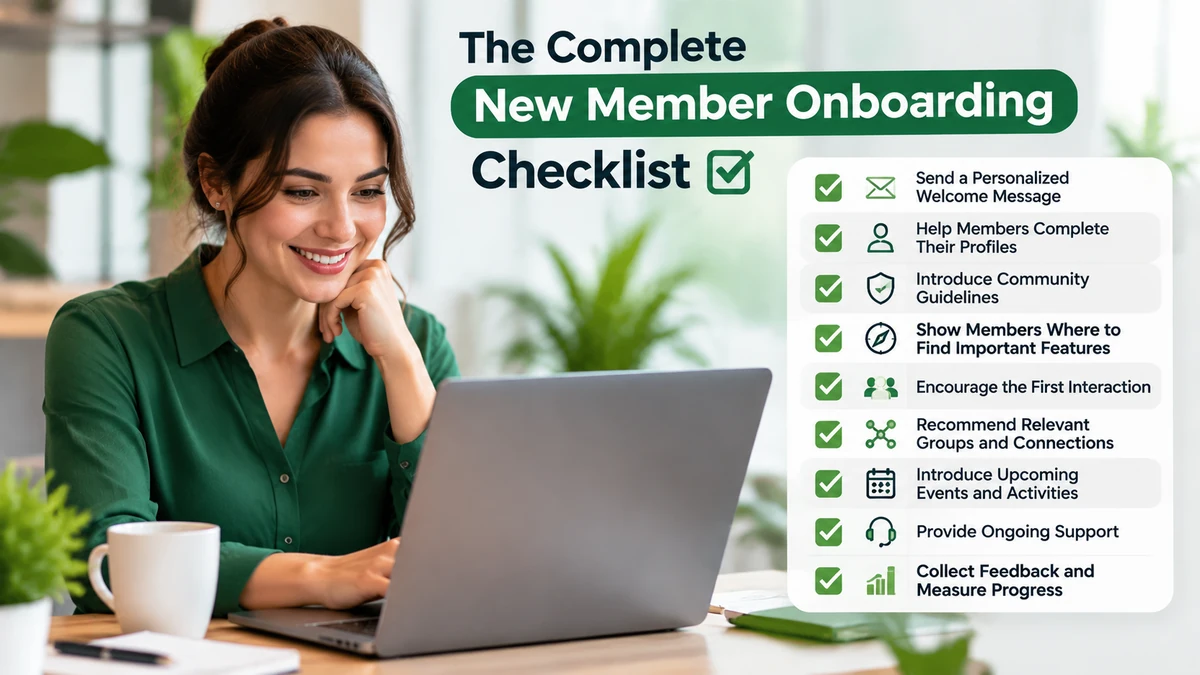
Use the following checklist to create a consistent and welcoming experience for every new participant.
1. Send a Personalized Welcome Message
First step
The first communication should make new members feel that they have joined an active and welcoming network.
Send a welcome email or in-platform notification immediately after registration.
Your welcome message should include:
A brief introduction to the community.
A thank-you message for joining.
Important links and resources.
Instructions for completing their profile.
Information about upcoming activities.
Contact details for support.
Avoid sending a long message filled with every available feature. Focus on the actions members should take first.
2. Help Members Complete Their Profiles
A complete profile makes it easier for members to discover relevant people and establish connections.
Encourage new participants to add:
A professional profile picture.
Their name and current role.
Company or organization details.
Skills and areas of expertise.
Professional interests.
Location, where relevant.
For a business networking community, profile information can help members identify potential partners, mentors, clients, and collaborators.
Make profile completion simple by requesting only the information that provides genuine value.
3. Introduce Community Guidelines
Every community needs clear expectations for member behavior.
Introduce guidelines during onboarding so participants understand how to communicate and interact respectfully.
Important areas to cover include:
Respectful communication.
Appropriate discussion topics.
Spam and promotional content policies.
Privacy and information-sharing expectations.
Moderation procedures.
Reporting inappropriate behavior.
Keep guidelines accessible so members can revisit them whenever necessary.
4. Show Members Where to Find Important Features
New members may not immediately understand how to navigate an unfamiliar platform.
Provide a short guided tour explaining the main sections and their purpose.
For example, introduce:
Discussion spaces for sharing ideas.
Private groups for focused conversations.
Member directories for discovering connections.
Event sections for upcoming activities.
Resource libraries for useful information.
Messaging tools for direct communication.
A simple walkthrough can prevent confusion and help members become comfortable using the platform.
5. Encourage the First Interaction
Engagement milestone
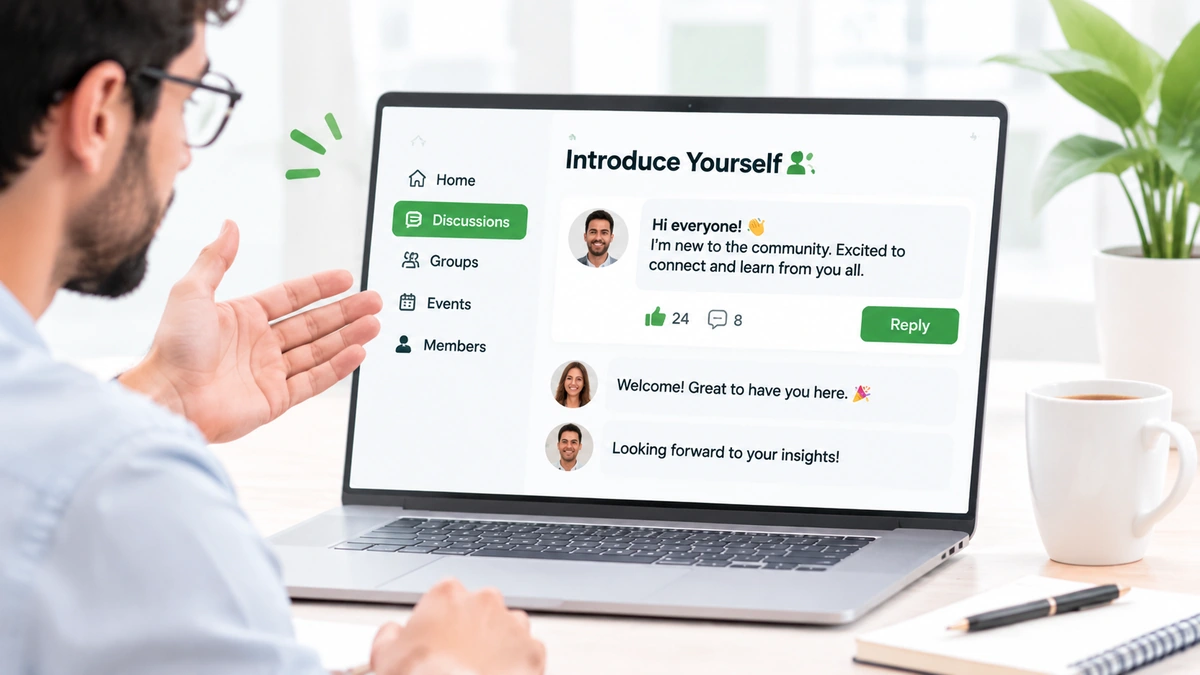
One of the most important onboarding goals is helping new members participate in their first conversation.
Instead of expecting them to explore everything independently, provide a simple starting activity.
You can encourage members to:
Introduce themselves in a welcome discussion.
Share their professional background.
Answer a relevant community question.
Join a group related to their interests.
Connect with another member.
These small actions make the community feel more approachable and encourage early community engagement.
6. Recommend Relevant Groups and Connections
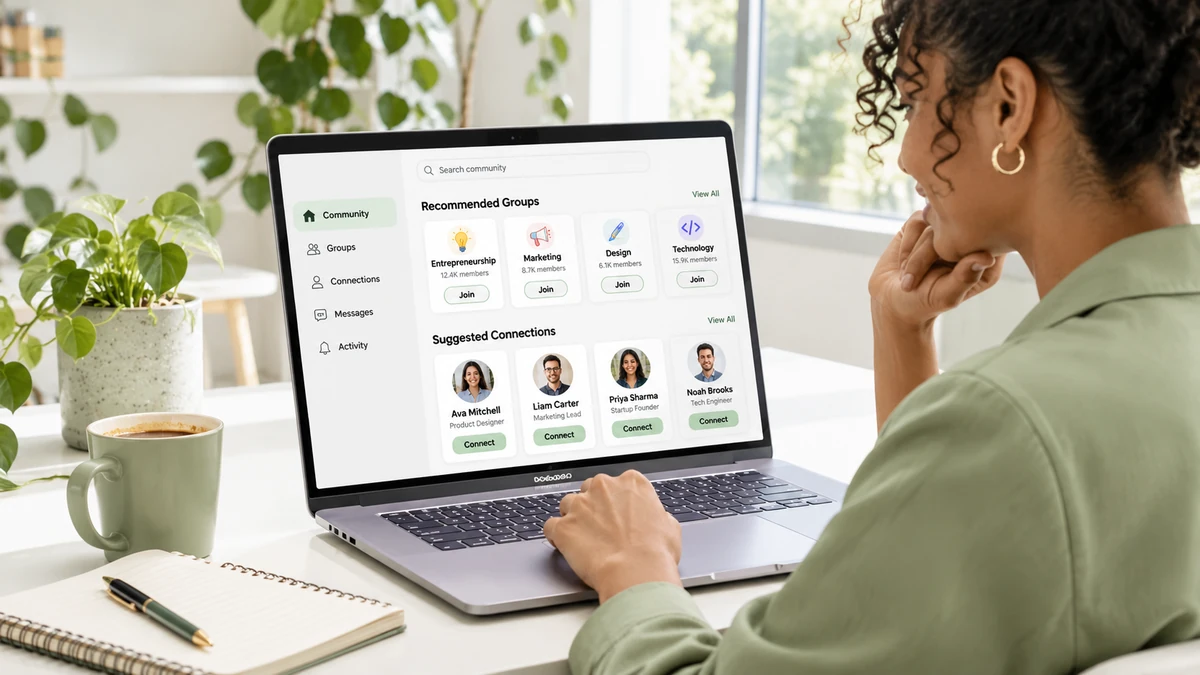
Not every discussion or group will be useful to every member.
Use profile information, interests, and membership categories to recommend relevant spaces.
For example, a startup founder may benefit from joining entrepreneurship and investment groups, while a marketing professional may prefer discussions about digital strategy and brand development.
Relevant recommendations help members discover value without navigating unrelated content.
7. Introduce Upcoming Events and Activities
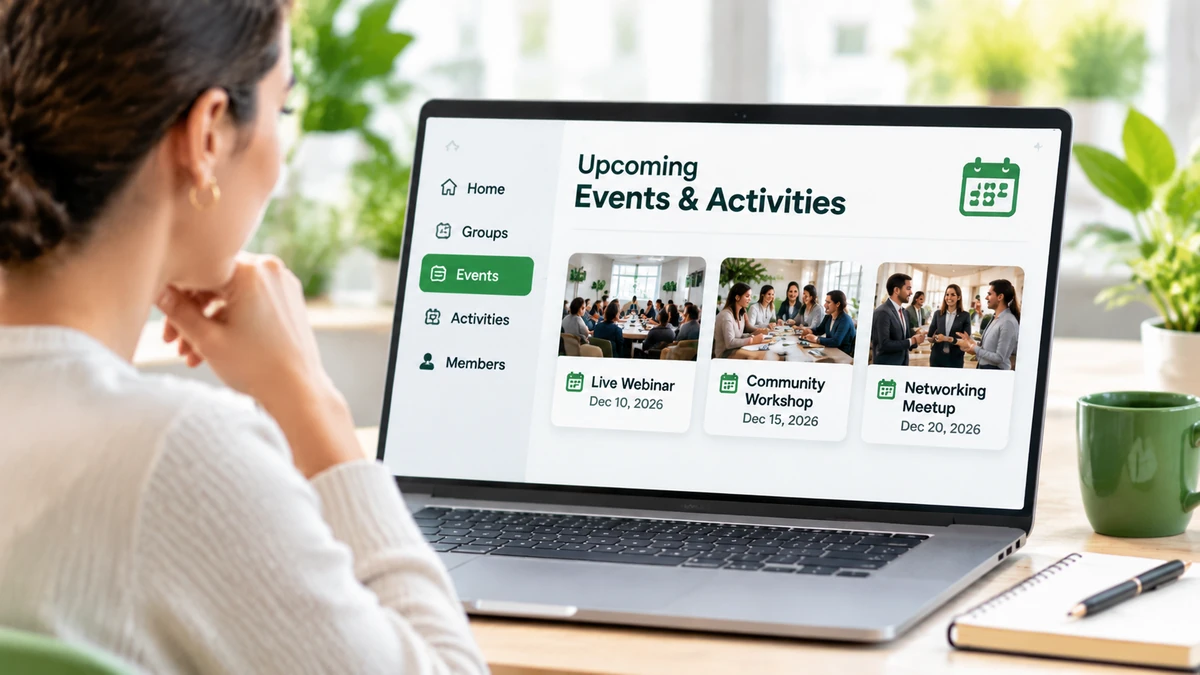
Events give members an opportunity to interact beyond regular online discussions.
During onboarding, share information about upcoming webinars, workshops, conferences, and networking sessions.
Include registration links, dates, participation instructions, and details about the intended audience.
Encouraging new members to attend an event can help them build relationships and become more involved in community activities.
8. Provide Ongoing Support
Onboarding should not end after the welcome message.
Some members may need assistance with profile settings, navigation, group access, or communication features.
Make support easily accessible through:
A frequently asked questions section.
A dedicated help channel.
Community moderators.
Email support.
Short tutorials and walkthroughs.
Regular check-ins can also help identify members who have not yet participated.
9. Collect Feedback and Measure Progress
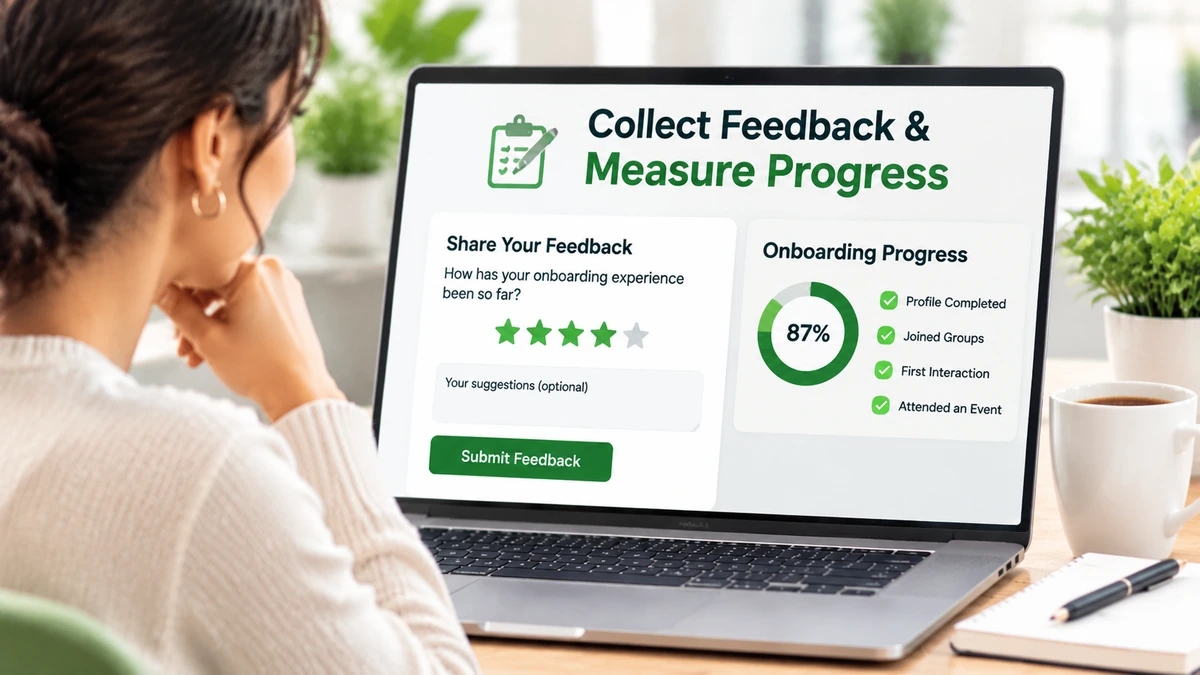
An onboarding process should improve as the community grows.
Ask new members about their experience after their first few interactions.
Useful questions include:
Was registration easy?
Were the community guidelines clear?
Could you find relevant groups?
Did you connect with other members?
What would make your experience better?
Track onboarding performance through measurable indicators such as profile completion, first discussion participation, event registration, and early member retention.
Community Member Onboarding Timeline
A structured timeline helps administrators deliver information without overwhelming new participants.
| Timeline | Recommended Activity | Goal |
|---|---|---|
| Immediately | Send welcome message | Make a positive first impression |
| First day | Complete profile and explore features | Improve platform familiarity |
| First 3 days | Join relevant groups | Encourage discovery |
| First week | Participate in a discussion | Build engagement |
| First 2 weeks | Attend an event or connect with members | Develop relationships |
| First month | Collect feedback | Improve the experience |
The timeline can be adjusted according to the size, purpose, and activity level of your community.
Common Onboarding Mistakes to Avoid
Even a well-designed community can lose new members if onboarding feels confusing or overwhelming.
Avoid these mistakes:
Too much information at once: Introduce features gradually instead of sending lengthy instructions.
No clear next steps: Always tell new members what action to take after registration.
Generic communication: Personalize welcome messages when possible.
Ignoring inactive members: Follow up with participants who have not completed their profiles or joined discussions.
Complicated navigation: Make essential features easy to find.
The objective is to make joining and participating feel natural.
How Community Platforms Simplify Onboarding
Modern online community management solutions provide features that help administrators automate and organize the onboarding journey.
These may include automated welcome messages, profile forms, member directories, guided tours, group recommendations, and event notifications.
When these tools work together, community managers can deliver a consistent experience without manually guiding every new participant.
A well-designed member welcome process also creates a stronger foundation for long-term member retention, helping organizations turn new registrations into active community participants.
Conclusion
Successful community onboarding is about helping people feel welcomed, informed, and connected from their first interaction. A clear welcome message, complete member profile, accessible guidelines, relevant groups, and opportunities to participate can make the experience more valuable.
By following a structured checklist and reviewing onboarding performance regularly, community managers can reduce early confusion and encourage stronger participation.
Remember, the goal is not simply to help someone create an account. It is to help them become an active and valued member of the community.
Frequently Asked Questions
1. What is community member onboarding?
Community member onboarding is the process of introducing new participants to a community's purpose, guidelines, features, members, and activities.
2. How long should community onboarding take?
Basic onboarding can happen during the first few days, while relationship-building and engagement activities should continue throughout the first month.
3. What should a new member's welcome message include?
It should include a friendly introduction, community guidelines, profile setup instructions, important links, and recommended first activities.
4. How can community managers improve new member engagement?
They can encourage introductions, recommend relevant groups, organize welcoming discussions, and provide opportunities to connect with existing members.
5. How do you measure onboarding success?
Useful indicators include profile completion rates, first-week participation, event registrations, group memberships, and early retention rates.
Get the next article in your inbox
Stay updated with practical insights, product updates, and networking tips — delivered straight to your inbox.